Delivery integrations

Every delivery order on one screen.

Delivery platform orders, managed alongside your dine-in and takeaway orders. You never run delivery from a separate screen, and you never run it from a separate set of numbers.

Every order on one screenTwo-way data flowDelivery per branchPricing per platform
The delivery platforms your guests order from
DeliverooJust Eat
What's live where

Integrations are built per market, and included in every plan.

Uber Eats and the local delivery platforms our operators already run on are live today. Wolt, Bolt Food, Just Eat and Deliveroo are on the integration roadmap, and a new platform takes about two weeks of our development time once we have its API. Tell us which platforms you run on and we will tell you exactly what is live in your country. Whichever ones you end up using come with your plan, with no surcharge per channel.

Capabilities

What stands out

Every order on one screen

  • Table, takeaway, QR menu and delivery orders on the same screen
  • Every order card shows visually which channel it came from
  • Want to watch a single delivery channel? Filter it from the channel tab
  • A delivery order appears the moment it lands and sounds an alert
  • You accept an order or reject it with a reason, and both reach the platform
  • Item options and the guest's note stay complete on the order card
Order status and delivery

  • Pending, accepted, preparing, ready, on the way, delivered, completed
  • The status you set in dojofood travels straight back to the platform
  • The guest follows the order in their own app
  • The platform's courier, your own courier or the guest can collect it
  • Rejections and cancellations are recorded from the same screen, with their reason

Item, option and combo mapping

  • You map the platform's items to their counterparts in your catalog
  • Categories, option groups and combo groups are mapped too
  • An order for a mapped item takes its recipe ingredients off stock
  • Reports show clearly how much of each item you sold and what it earned
  • A combo sold on a platform, a burger meal say, does not collapse into a single unreadable line

Channel management per branch

  • Each branch can appear on its own set of delivery platforms
  • API credentials are entered per branch and per channel
  • One branch can be on three platforms while another is on none
  • A central catalog keeps the same item identical across every branch
  • You can still vary the same item's price from branch to branch
  • You run the whole chain from one screen by selecting a branch

Remote channel control

  • You open and close your restaurant on the delivery platforms from dojofood
  • If the kitchen is behind, you set a duration and pause incoming orders
  • Courier availability is a separate switch; turning it off keeps the restaurant open
  • Working hours are set day by day, separately for each channel

Payment and cancellation mapping

  • Each platform's payment methods are mapped to your own
  • Payment detail stays on the order and lands on the right report line
  • Cancellation reasons are mapped, so a cancellation is recorded with the right cause
  • You do the mapping from dojofood, channel by channel

Price per channel

  • Run one standard price across every channel if that suits you
  • Or vary the price by branch and by channel
  • The same item can sell at one price at the table and another on delivery
  • You never create differently priced duplicates of the same item to do it
  • Prices are entered as amounts; there is no percentage rule

Reports

  • You see consolidated delivery platform revenue and order counts
  • You can pull a report on a single platform if you want to
  • You see your best performing delivery platform and your best selling items
  • End of day reports come with a channel breakdown
  • Hourly distribution and trend charts show you your busy hours
  • You can export to Excel or CSV
A closer look

From order to handover.

Every order on one screen

No separate screen per platform

Delivery orders land on the same screen as your dine-in, phone and takeaway orders. Your team looks in one place, sees where each order came from and runs all of them from there.

Platform filters

Watch every order at once, or filter down to one or two delivery platforms and see only those.

Accept and reject

You accept an order or reject it with a reason. Either way the platform is told immediately, so the guest is not left waiting.

Recipes come off stock

A mapped item takes its recipe ingredients off stock even when the order came from a delivery platform. Your evening count reflects reality.

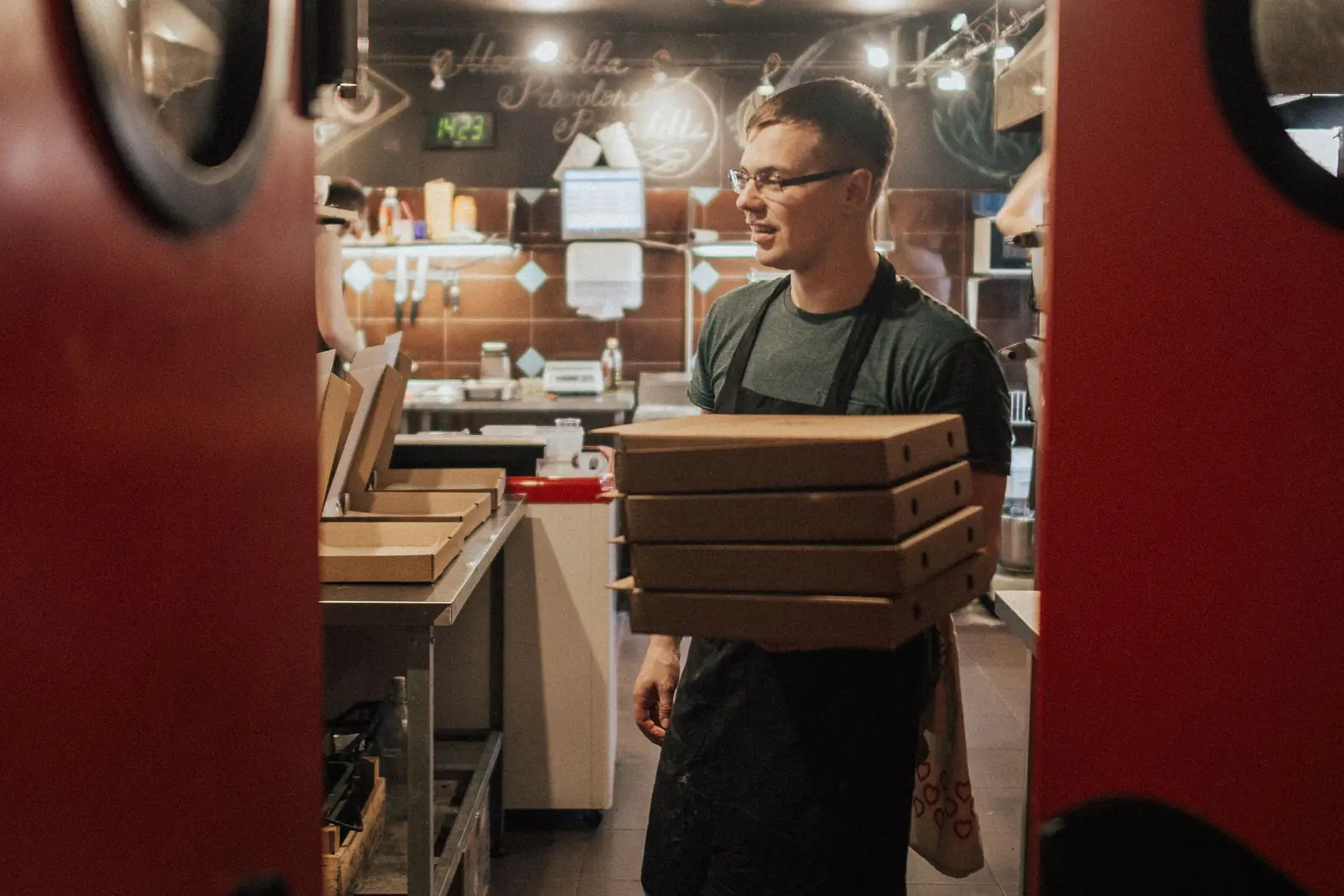
Restaurant worker carrying a stack of boxed delivery orders past the pass

No chaos in the kitchen

The right item to the right kitchen

Whether the order is a single burger or a combo holding a burger, fries and a drink, dojofood splits the items and sends each one to its own kitchen. The hot line does not sort through the bar's work.

Kitchen ticket and guest receipt

Tickets print according to the printer rules you set. You do not build a separate layout for delivery orders.

Time warnings

For each kitchen you define a warning and a critical threshold in minutes. An order past the threshold changes colour and sounds an alert, so a delay in the kitchen is noticed at once.

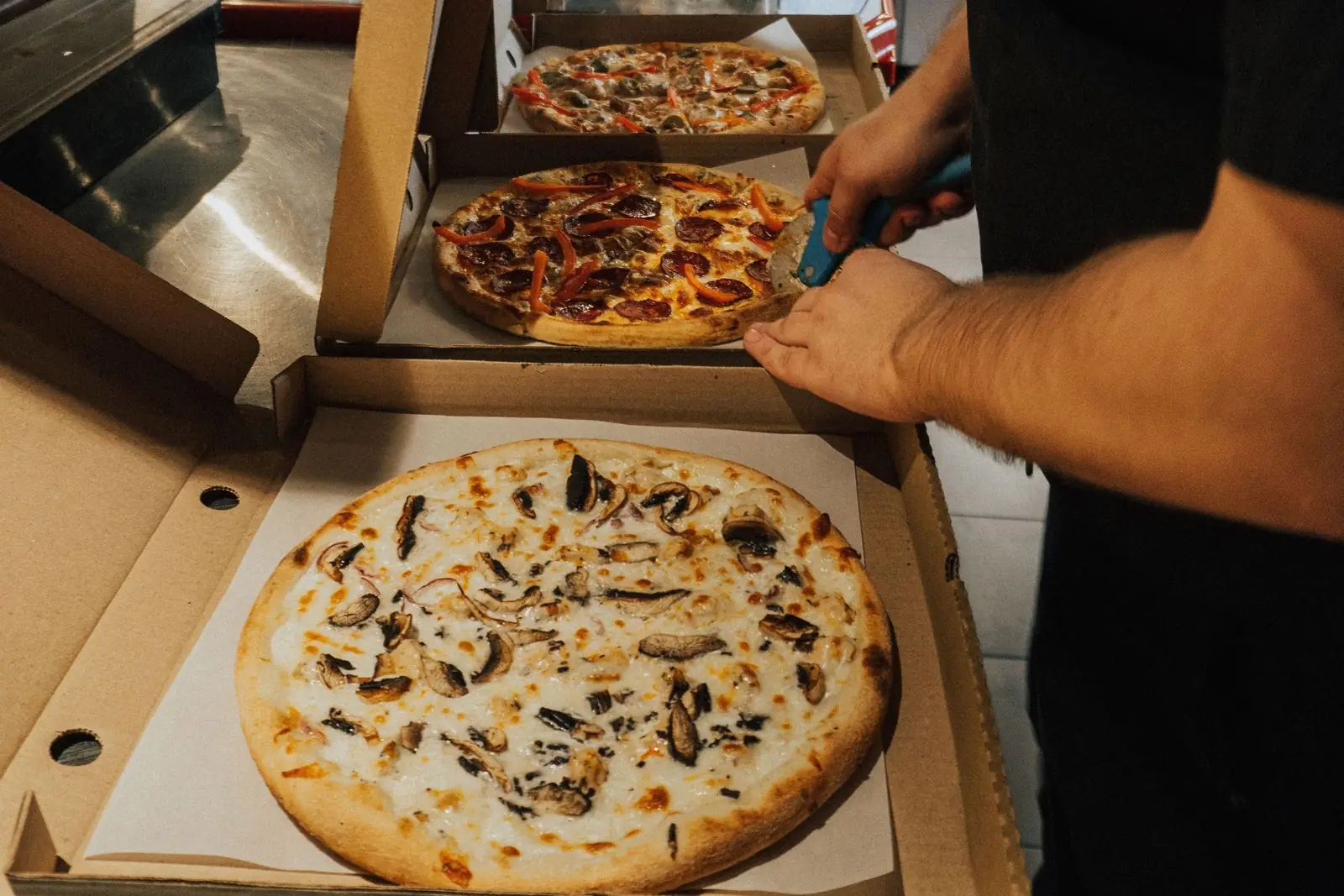
Pizzas being placed into delivery boxes in a kitchen

Packing and handover

Orders to pack stand apart

Delivery orders are visually distinct on the kitchen screen. They never blend into table orders, and it is obvious at a glance that they need packing.

Mark items ready

Kitchen staff mark items ready in one tap, all at once or item by item. Everyone reads the order's state off the screen, so nobody walks back to the kitchen to ask.

Status travels on its own

When you mark the order ready, when it leaves and when it is handed over, the status goes back to the platform. The guest follows it in their own app.

Who delivers it

The platform's courier can take it, your own courier can run it, or the guest can collect it. You manage all three from the same screen.

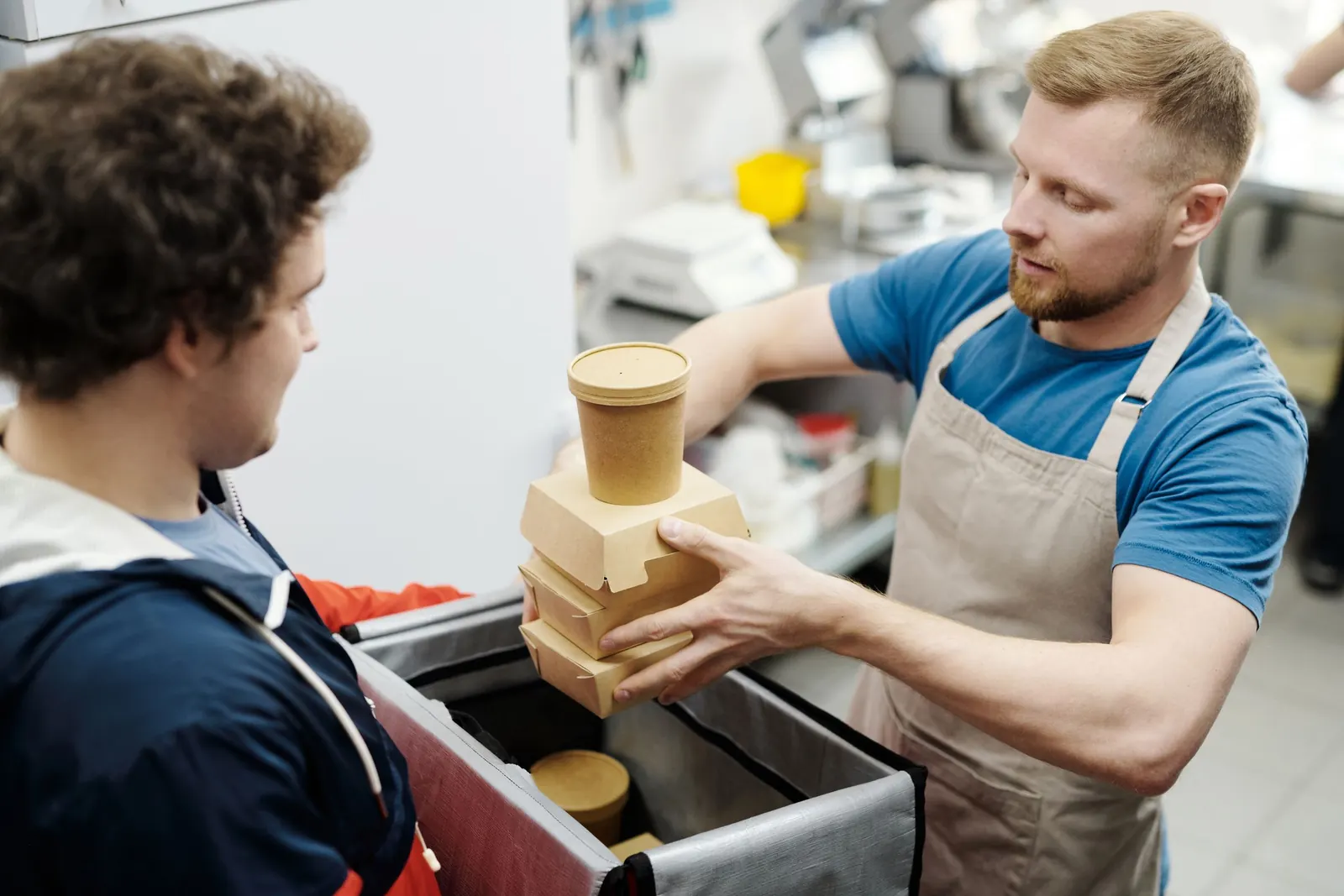
Restaurant staff placing a prepared order into a courier's delivery bag

Platform control

Control sits in dojofood

You manage your restaurant's state on the delivery platforms from dojofood. You do not open the platform's panel and do the same job twice.

Closing a channel in a rush

If the kitchen is behind, you close your restaurant to orders from dojofood without going to the platform's screen. You decide how long it stays closed.

Delivery off, collection on

If your own courier is unavailable at that hour, you turn off delivery only. The restaurant stays open and takeaway orders keep coming.

One report at the end of the night

You see how many orders came from each delivery platform and what they earned, consolidated or platform by platform.

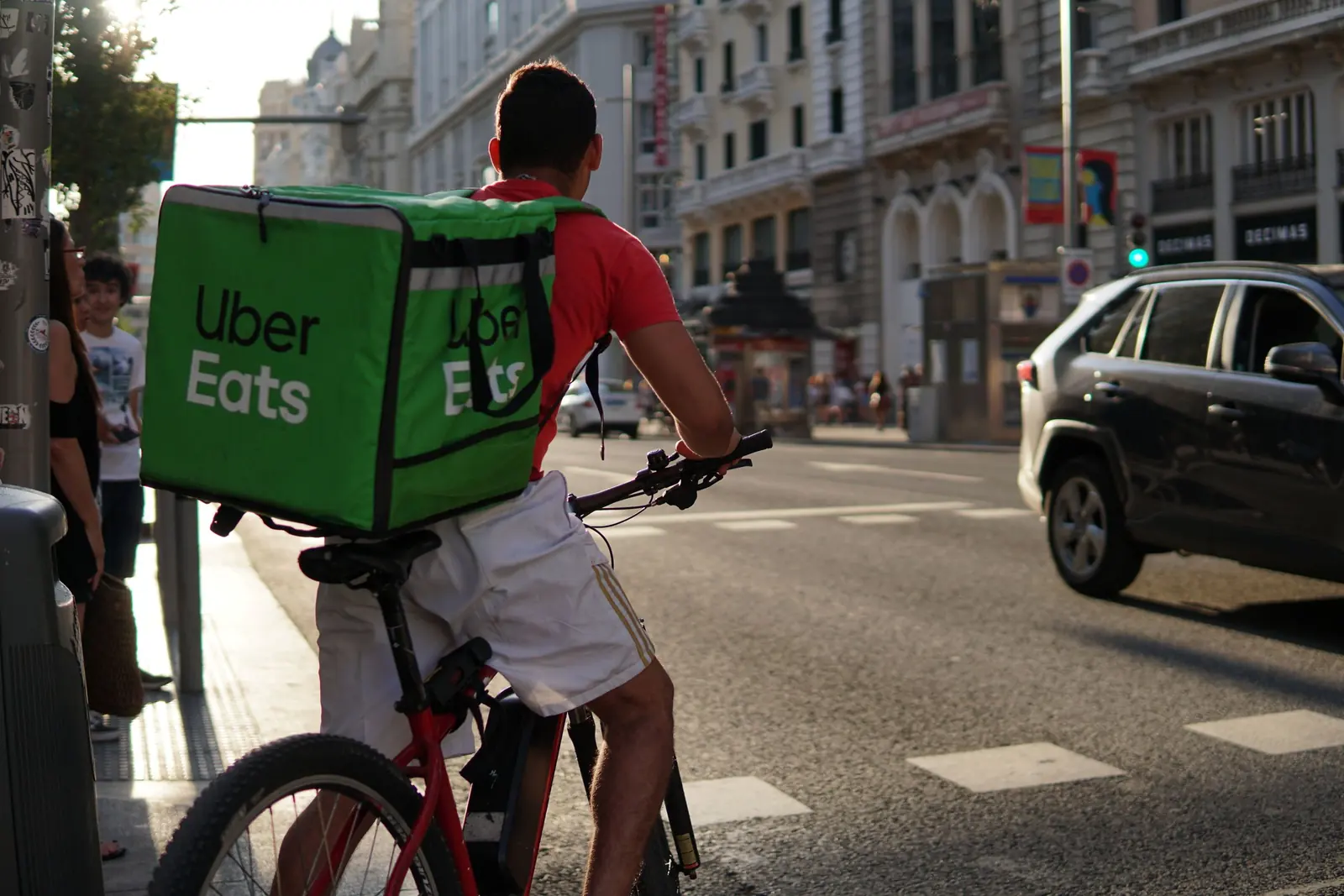
Courier cycling through the city with a delivery bag on their back
Order flow

Status flows both ways, the item stays singular.

A delivery order lands in dojofood, goes to the kitchen, and every status change is reported back to the platform automatically. Orders reach the kitchen under the names of the mapped items in your catalog. Kitchen operations stay clean.

Marketplaces

enabled per branch

Your own channels

same catalog

one order screen

Order queue

Uber Eats
  • 1×Mixed pizzalarge · no onion
  • 2×Lemonade
  • 1×Chocolate fondantwith ice cream

guest notePlease don't ring the bell

Kitchen screen

hot kitchen

  • 1×Mixed pizzalarge · no onion
  • 2×Lemonade
  • 1×Chocolate fondantwith ice cream

bump by item

  1. Pending
  2. Accepted
  3. Preparing
  4. Ready
  5. On the way
  6. Delivered
  7. Completed

the order arrives in dojofoodthe status travels back to the platform

Uber Eats, delivery order. Status: Pending. This channel has 7 steps.

A marketplace order joins the same flow as your dine-in and take-away tickets, and every option and guest note reaches the kitchen intact. Accept it, prepare it, hand it over, and the status reaches the platform instantly.
From the field

Common problems.

The blockages operators running several delivery platforms describe most often, and how dojofood resolves them.

A separate screen for every delivery order

Yaygın sorun

Either three or four tablets sit next to the till, each with its own beep, or one screen carries a stack of open tabs. In a rush, working out which platform an order came from takes time on its own. Managing sales and merging reports means going through every platform separately.

dojofood'da

Every delivery order lands on the same screen as your dine-in and takeaway orders. Your team looks in one place and runs the order from there.

Different item data on every sales channel

Yaygın sorun

The more platforms you put your items on, the further their descriptions, contents and prices drift apart, until nobody is sure which one is right. Even with an integration in place, without the infrastructure to map items, what you think is one item is really being managed as several separate records. Recipes then do not work, ingredients never come off stock and nobody can tell you what that item earns. Merging and cleaning the data falls to you.

dojofood'da

You map the platform's items to the items in your dojofood catalog. Mapping happens once. After that every order for that item is written against the right item card, its recipe comes off stock and your sales report reflects reality.

Redefining an item just to change its channel price

Yaygın sorun

You may want to sell at a different price on each delivery platform, but most integrations do not allow it. Anyone who wants separate prices ends up defining the same item a second and third time. Those copies drift apart over time, it becomes unclear which one is current, and the reports turn into a mess.

dojofood'da

The item is singular and the price varies by branch and channel. The branch's standard price applies everywhere; if you want to sell differently on one delivery channel, you change the price on that channel. You never create a new item to do it.

Opening and closing delivery while the kitchen is slammed

Yaygın sorun

Saturday night, the kitchen fills up and the orders keep coming. Closing means opening the platform's panel, remembering the password and finding the right screen. Most of the time it never happens and orders run late. When it does happen, reopening gets forgotten and the restaurant sits closed for nothing.

dojofood'da

You close your restaurant to orders on the delivery platforms from dojofood, without touring screen after screen, and write how long it should stay closed; it reopens on its own when the time is up. Courier availability is a separate setting: if your own courier is unavailable you turn off delivery, and the restaurant stays open for collection.

Platform sales across a chain

Yaygın sorun

A business with three branches and four delivery platforms at each has twelve platforms to manage. Items, prices and recipes change; something has to be pulled from sale or a new item added. Running all of that separately is a heavy operational burden. You tell the branch staff, and they do it, or they don't, or they forget. The result is confusion, workload and a chain nobody can govern.

dojofood'da

In a chain you run every delivery platform through dojofood too. Which branch is open on which platform, the branches' working hours and the courier hours are all set from there. A shared item catalog and channel level prices let you make changes centrally.

An integration that breaks quietly

Yaygın sorun

A delivery integration is a layer binding your order management software to the delivery platforms: it carries data between two systems somebody else built. Keeping that connection alive is hard in practice, and a change on either side can cut the conversation. A poorly monitored integration can stop at your busiest moment.

dojofood'da

At dojofood we monitor whether the integrations are working. When something falters we usually see it before you do, contact the platform and follow the resolution on your behalf.

A separate fee for every integration

Yaygın sorun

Operators in this industry complain that after buying an order management system they pay separately for every module. A QR menu costs extra, connecting the first delivery platform costs extra, and if you need a second one, that costs extra as well.

dojofood'da

At dojofood every feature is included in your plan. How many delivery integrations you use makes no difference; you start using them on the plan you already have. Instead of separate module invoices, you use all of dojofood with your attention on growing the business.

One system

Delivery runs as part of your system, not beside it.

When orders arrive from delivery channels, you are not left managing each platform's orders and financial data separately. You run the order from arrival to handover inside dojofood; the line on the order is an item from your catalog, and its recipe takes ingredients off your stock. You stop dealing with platforms one by one and read order and financial data in one place.

One screen for every order

A delivery order is managed on the same screen as the orders inside your restaurant. Point of sale (POS)

One item catalog for every platform

Your items on the platforms map to the items in your catalog. Nothing gets tangled in the kitchen, on the order screens or in the reports. Digital menu

One stock, many sales channels

Whatever channel an item with a recipe sells through, a delivery platform or a table order, its ingredients come off stock. Inventory management
Who it's for

A delivery flow that adapts to every kind of business.

From a cloud kitchen to a neighbourhood cafe, the same integration is set up around how your business runs. Pick your business type and see what we do for operations like yours.

Frequently asked questions

What operators ask about delivery integrations.

Which delivery platforms do you integrate with?

Integrations are built per market. Uber Eats and the local delivery platforms our operators already run on are live today, and Wolt, Bolt Food, Just Eat and Deliveroo are on the integration roadmap. Tell us which platforms you run on and we will tell you what is live in your country and what we would build. Whatever you end up using is included in every plan; you pay nothing extra per channel.

How do I set up an integration?

On the Branches and Channels screen you pick your branch and switch on the delivery channel you want to connect. You enter the API credentials that platform issued you. Credentials are stored per branch and per channel, so each branch connects with its own account. Once the connection is up, you move on to item mapping.

What if the platform I use isn't on the list?

Tell us on the demo call or through the contact page. A new delivery integration takes about two weeks once we have API access to that platform. That is our development time; the platform granting you access can take longer on its own.

Where do delivery orders land?

On the same order screen as your dine-in, phone, takeaway and QR menu orders. The channel tabs across the top show only the delivery platforms that are switched on for that branch, so you can watch all of them at once or move to a single channel. A new order lands without delay and sounds an alert.

When I accept an order, does the platform see it?

Yes. When you accept it, start preparing it, mark it ready and hand it over, the status travels back to the platform. You never open the platform's own panel to mark the same step twice. A delivery order moves through seven steps: pending, accepted, preparing, ready, on the way, delivered, completed. Orders from your own channels finish at ready.

Do the guest's options and notes reach the kitchen?

They do. Item options, removed ingredients and whatever the guest typed stay attached to the order, and they appear exactly the same on the kitchen screen and on the kitchen ticket. Because each item's kitchen is set on its item card, a delivery order reaches the right station too.

Can I run my platform menu from dojofood?

In part. dojofood does not push a menu to a delivery platform. It pulls that platform's items into dojofood and you map each one to the matching item in your catalog; you map categories, option groups and combo groups the same way. Once the mapping is in place, an order from that channel is written against the right item card, its recipe comes off stock and your channel price applies. You also open and close mapped items for sale on that platform from dojofood. The item's name and photo on the platform stay in that platform's own panel.

How do I close the restaurant on a delivery platform for a while?

From the Branches and Channels screen you close that channel and write how long it should stay closed. When the rush passes you open it again in the same place. Courier availability is a separate switch, so if your own courier is unavailable you can turn only that off and keep the restaurant open.

Can I set opening hours separately for each delivery channel?

Yes. For every branch and every channel you define working hours day by day. The hours the restaurant is open and the hours the courier works are set separately. If your branch closes at 23:00 on weekdays and 02:00 at weekends, you write that once and every delivery channel follows the same calendar.

How do I reflect commission differences in my prices?

Your branch's standard price applies on every channel. If you want to sell at a different price on one delivery channel, you set that item's price for that channel. Prices are entered as amounts; there is no percentage rule. Because the channel price sits on the item itself, you never define the same item twice or keep a separate menu.

Can each of my branches be on different delivery platforms?

Yes. You decide which platform is open at which branch. One branch can run on three platforms while another runs on none. API credentials are held per branch as well, so branches never use each other's accounts. The catalog stays shared and branches work from the same items.

Do delivery orders come off stock?

They do for items you have mapped that have a recipe. Whatever channel the order arrives from, the recipe's ingredients come off stock in their base unit. When stock falls below the threshold you set, it appears on the alert list; whether to keep the item on sale is your call.

What happens to the platform's payment methods and cancellation reasons?

You map the platform's payment methods to your own, so they land on the right line in your reports. Cancellation reasons are mapped the same way. Mapping is done per platform, and not every platform's API exposes payment methods; where one doesn't, dojofood tells you so on the mapping screen.

What happens if a delivery platform goes down?

No new orders arrive from that channel and everything else keeps running. You keep taking dine-in orders, using your kitchen screen and serving orders from your other delivery platforms. If the outage is on the platform's side you write to your account manager, who follows it up on your behalf.

Can I see how much I sell on each delivery platform?

Yes. The home screen shows revenue and order count per platform, along with your best performing delivery platform. You take end of day reports with a channel breakdown and export them as Excel or CSV. Item level cost uses your recipe cost; platform commission is not part of that calculation today.

How long does setup take?

You import your menu with AI, finish the basics with the setup wizard in about 10 minutes, and start using dojofood. Delivery integrations are separate: platforms granting API access and running their approvals can take a few days. Every business has an account manager, and you write to them directly when you get stuck.

Is there an extra fee per integration?

No. The delivery integrations you use are included in every plan. There is no per channel surcharge and no separate connector fee. You try dojofood free for 7 days, and a 30 day money back guarantee applies after that.

Have questions? Let's talk.

Tell us your needs and your challenges. We'll show you how dojofood eases your operation.

Walk us through your current stack, your marketplace list, your volume. We'll show you exactly how dojofood fits, what it replaces, how to get started, and what it costs.