 each
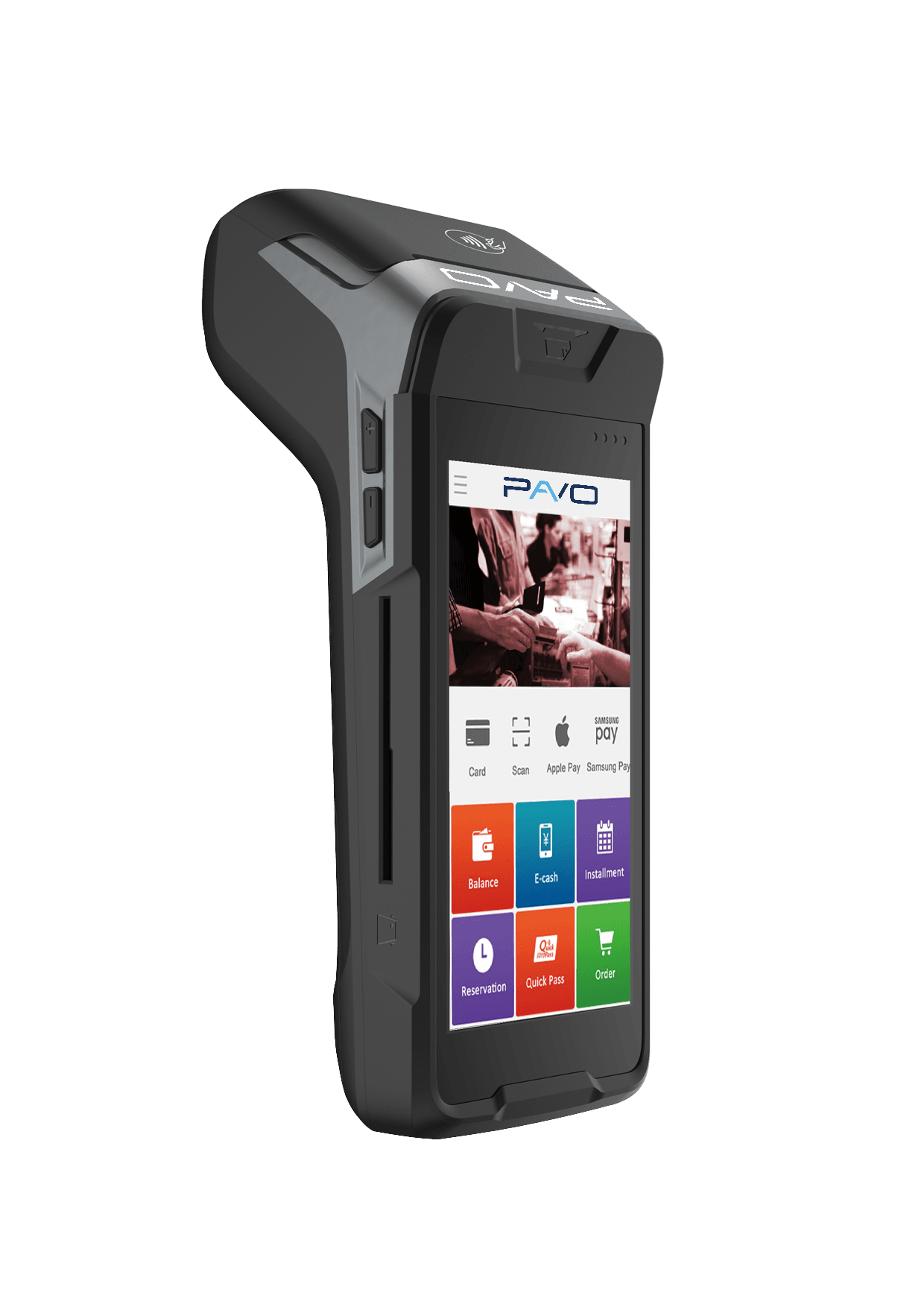
Pavo N86
Android mobile fiscal POS with built-in thermal. The dojofood app runs natively on the device.
Delivery: 1-3 days

You can use dojofood on any device of yours that has a browser and connects to the internet. If you need a POS screen, a kitchen display, a fiscal POS (yazarkasa), a printer or a handheld terminal, you can also buy from our reliable industrial-grade devices.
 each
Android mobile fiscal POS with built-in thermal. The dojofood app runs natively on the device.
Delivery: 1-3 days
 each
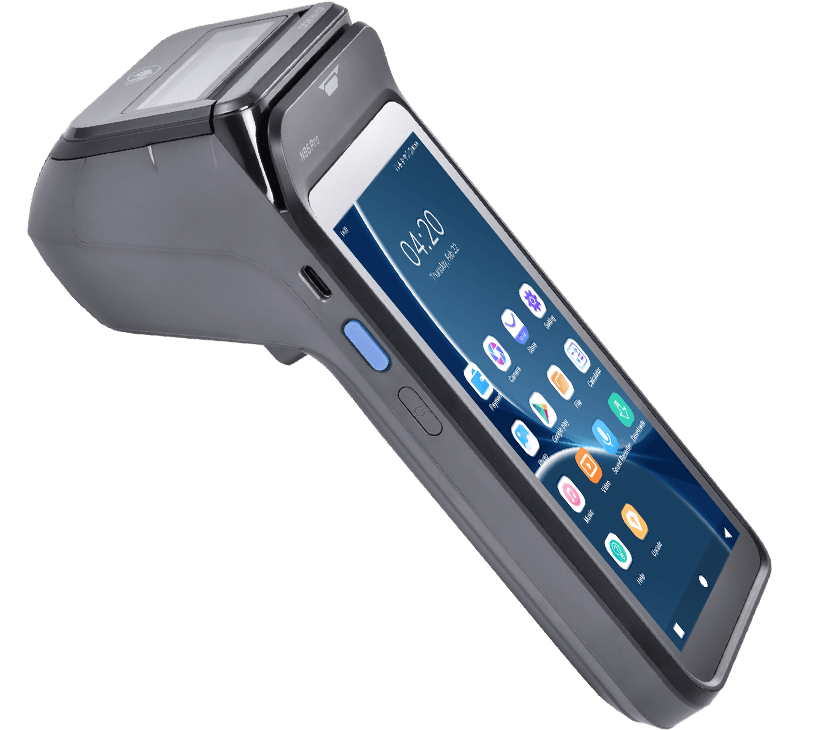
Beefed-up N86. Faster, more memory; the dojofood app runs on the device.
Delivery: 1-3 days
 each
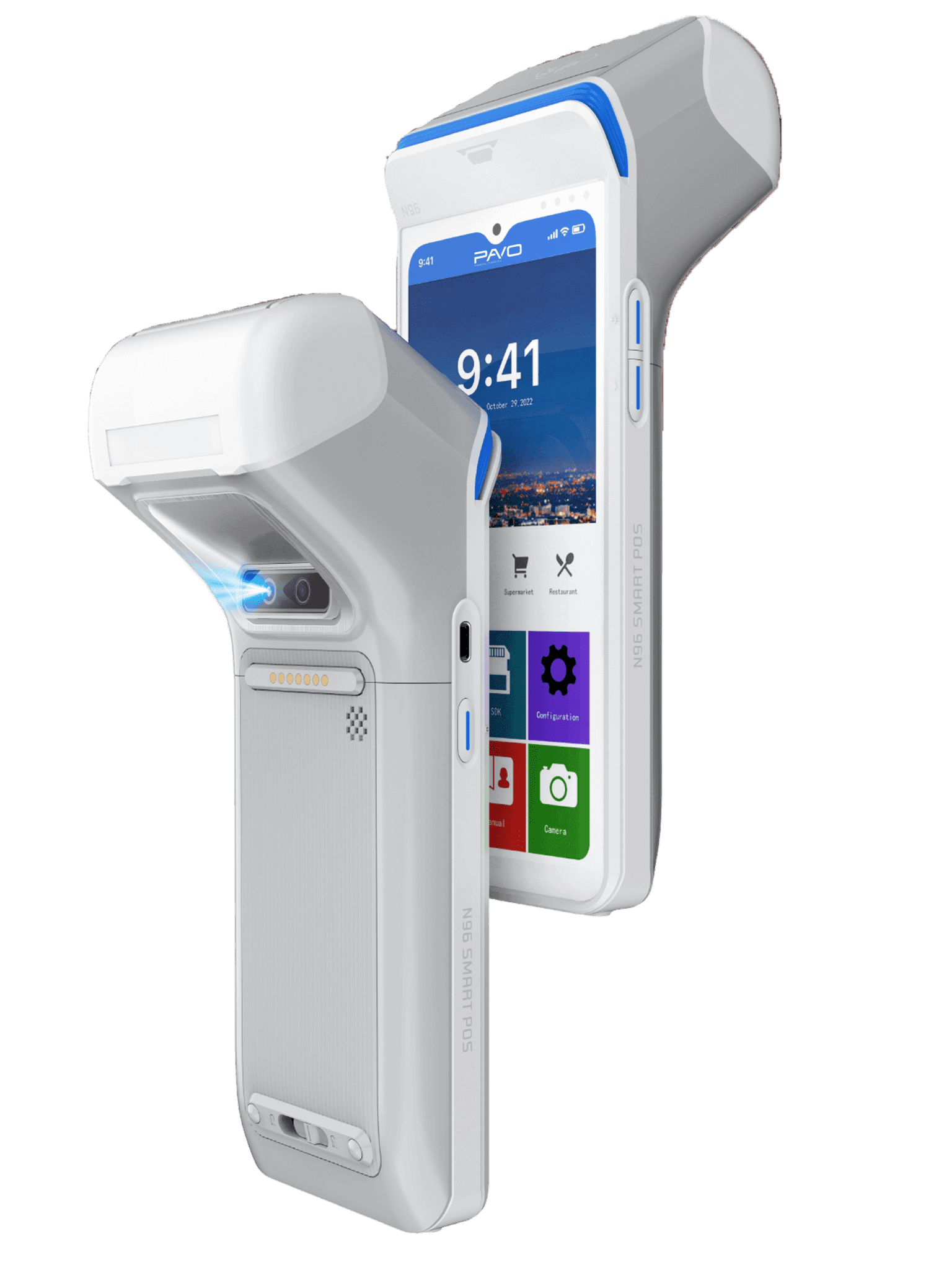
Pavo's new flagship mobile fiscal POS. Large screen, strong hardware; the dojofood app runs on the device.
Delivery: 1-3 days
 each
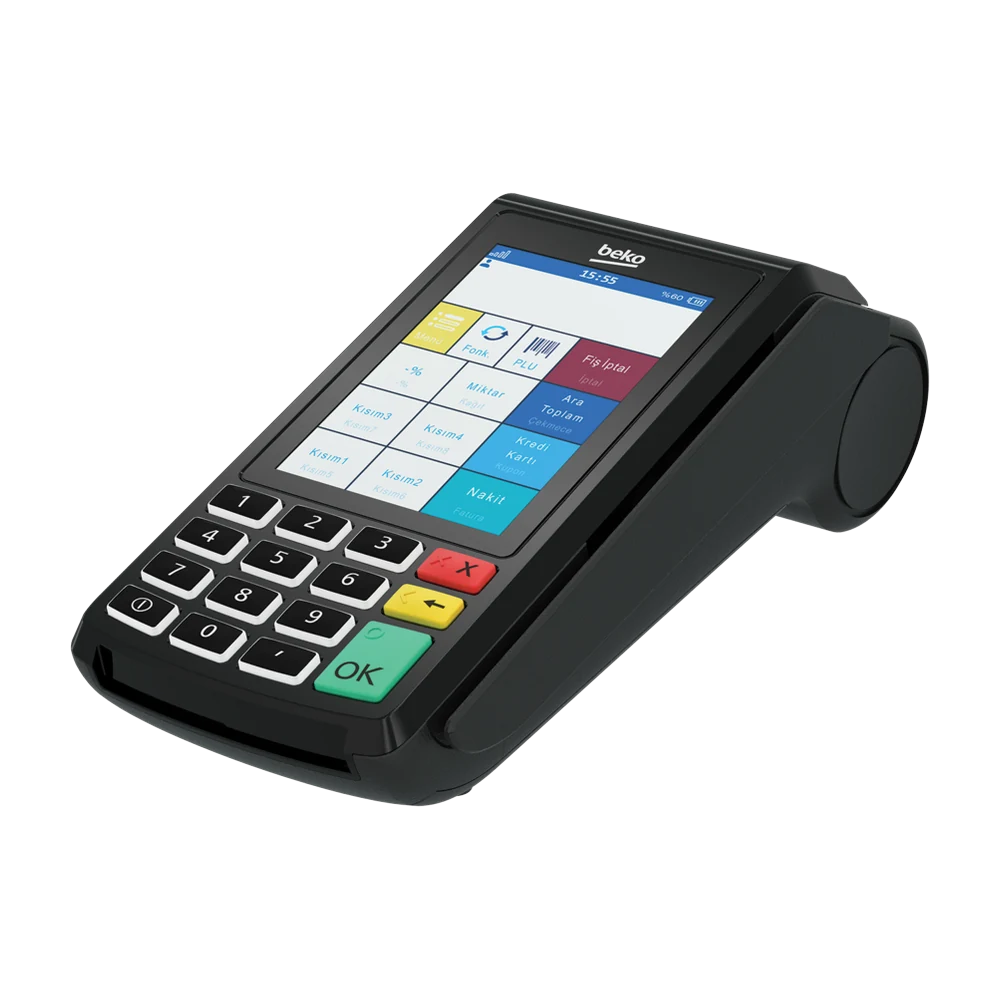
Keypad fiscal POS with a touch screen and built-in thermal. Connecting it to a restaurant system needs Beko's yearly integration licence.
Delivery: Made to order · 1-2 weeks
 each
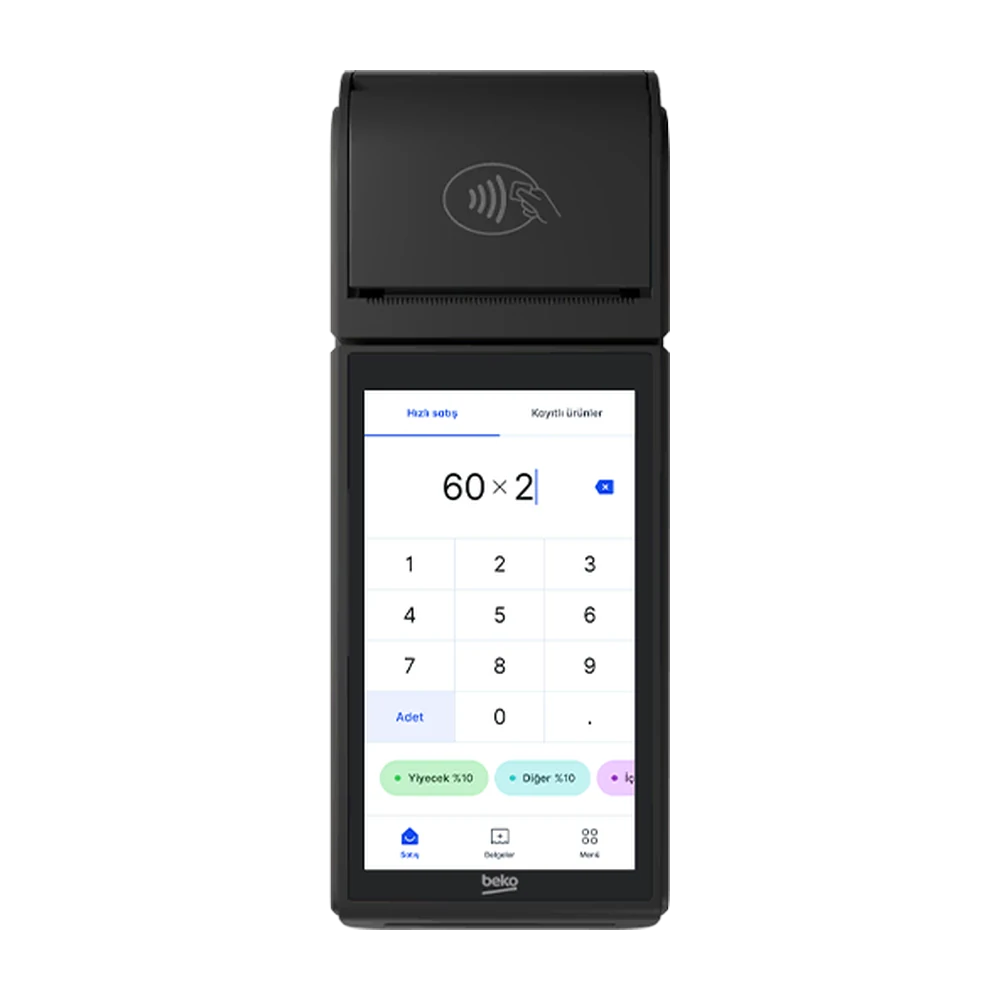
Android fiscal POS with a 5 inch touch screen and built-in thermal. Connects to a restaurant system wired or wireless; needs Beko's yearly integration licence.
Delivery: Made to order · 1-2 weeks
 each
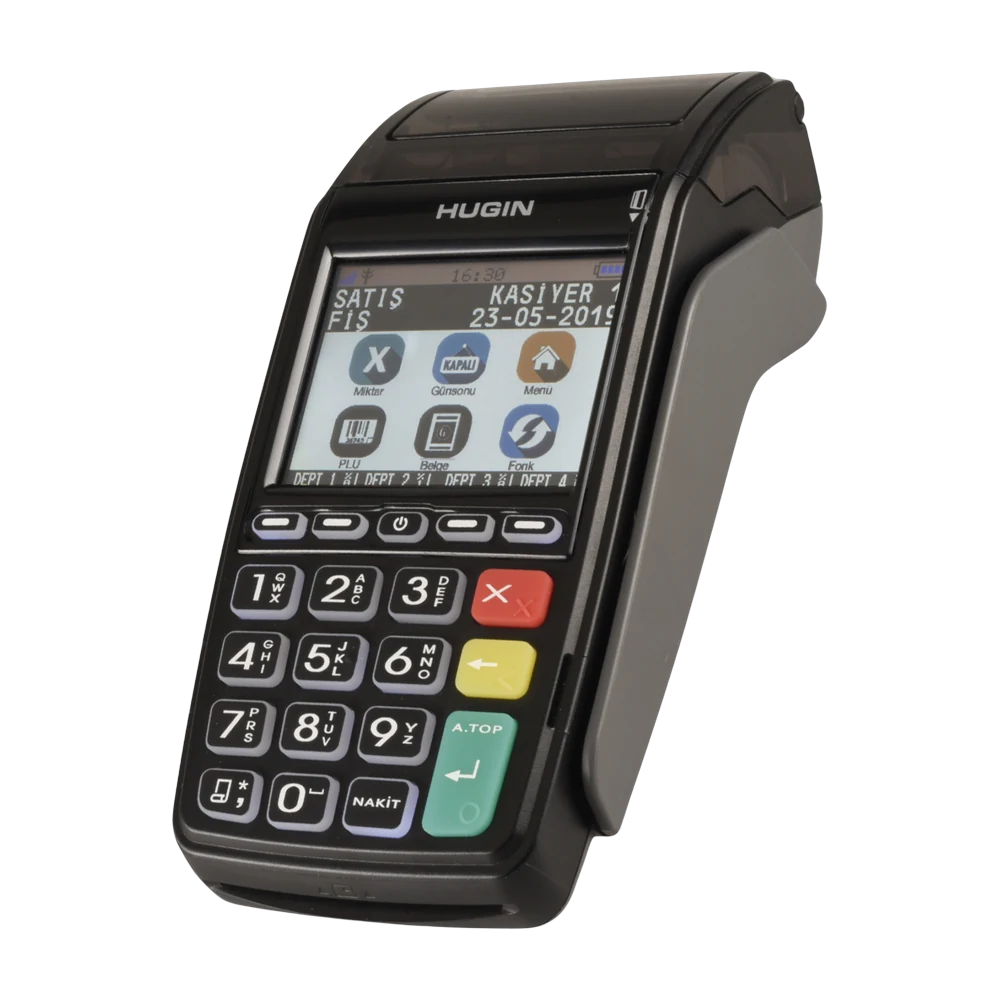
Keypad fiscal POS with built-in thermal. Connecting it to a restaurant system needs Hugin's yearly integration licence.
Delivery: Made to order · 1-2 weeks
 each
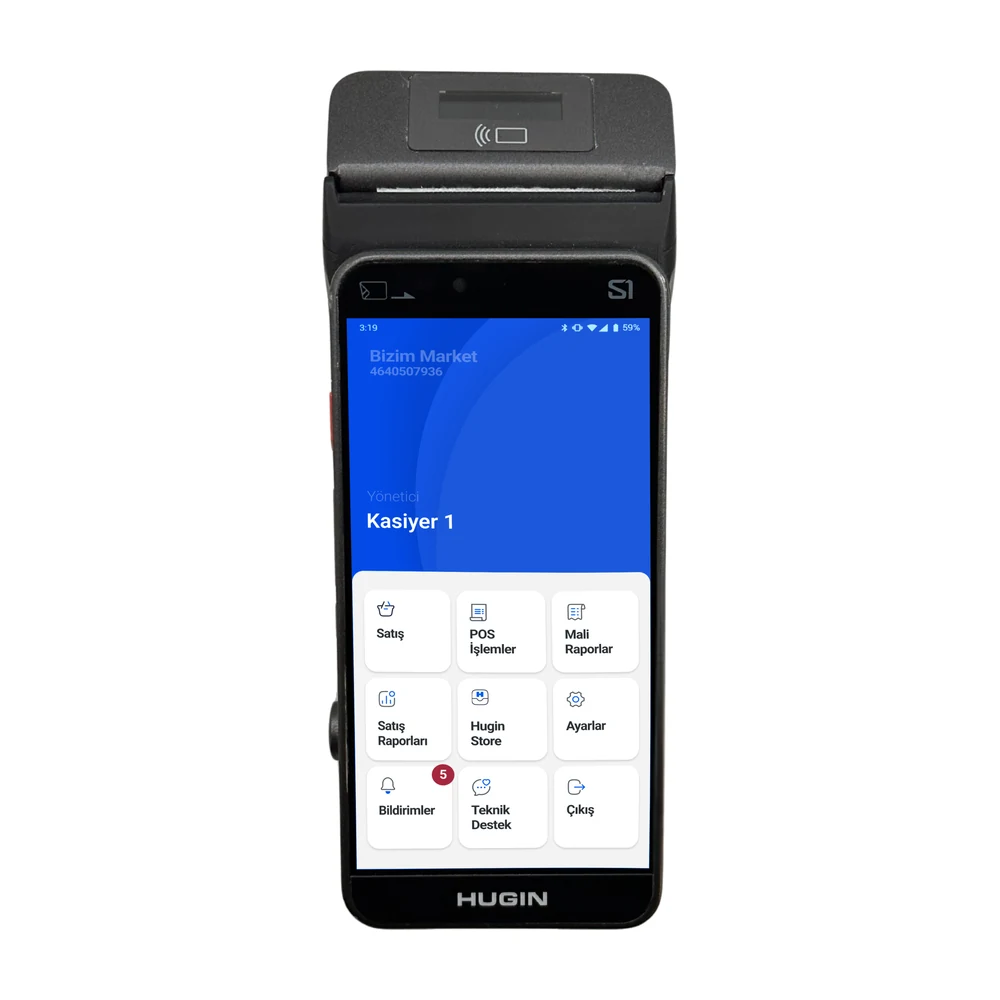
Android fiscal POS with a touch screen and built-in thermal. Connecting it to a restaurant system needs Hugin's yearly integration licence.
Delivery: Made to order · 1-2 weeks
 each
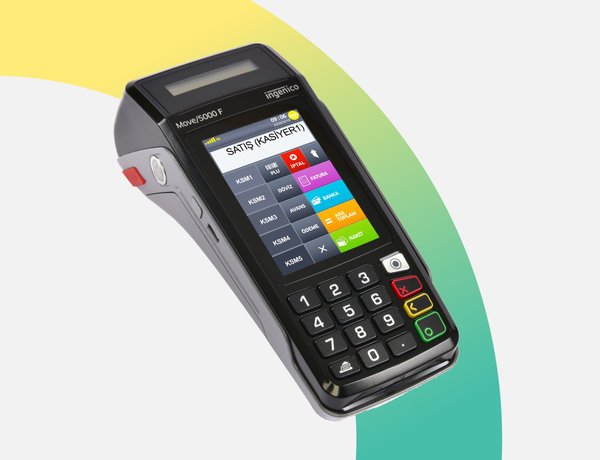
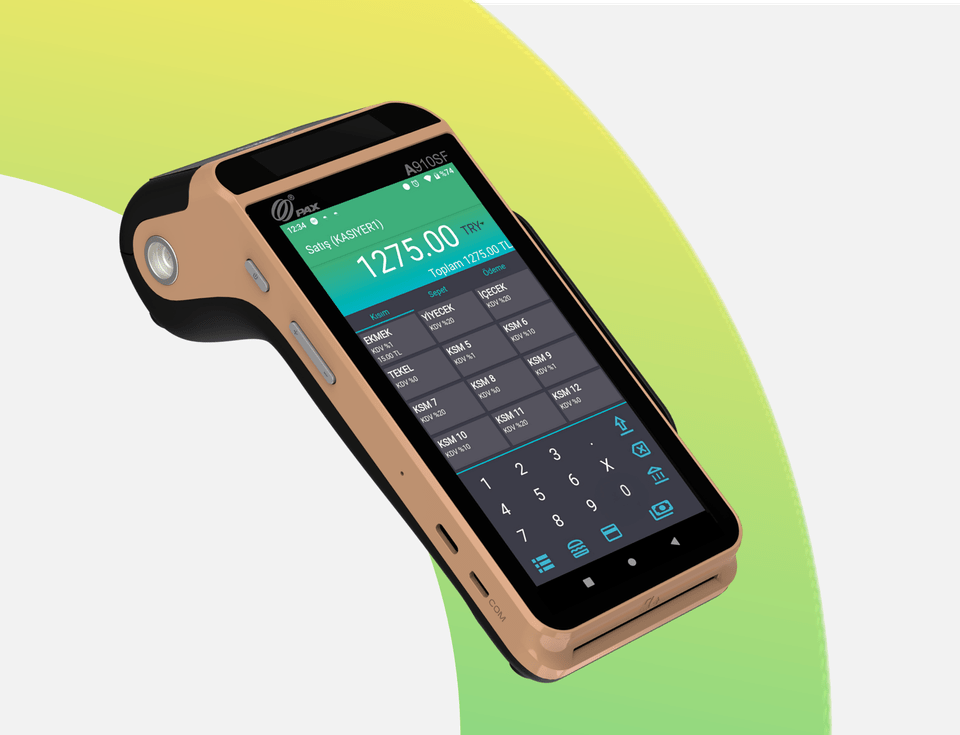
Mobile fiscal POS. Rugged, built-in thermal, payment tableside and on the move.
Delivery: 1-3 days
 each
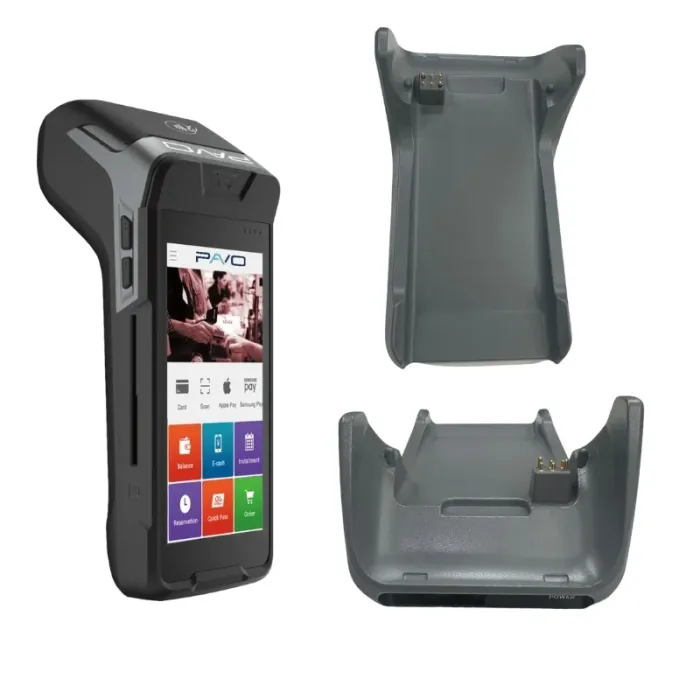
Android smart fiscal POS. Carried tableside; turns into a desktop till with the optional base.
Delivery: 1-3 days
 each
Desktop charging cradle for the Pavo N86. The device sits in it.
Delivery: 1-3 days
 per device
Mobile data for Pavo devices. It can be a Turkcell or a Türk Telekom SIM. Invoiced directly to the business by Pavo.
Delivery: 1-3 days
 each
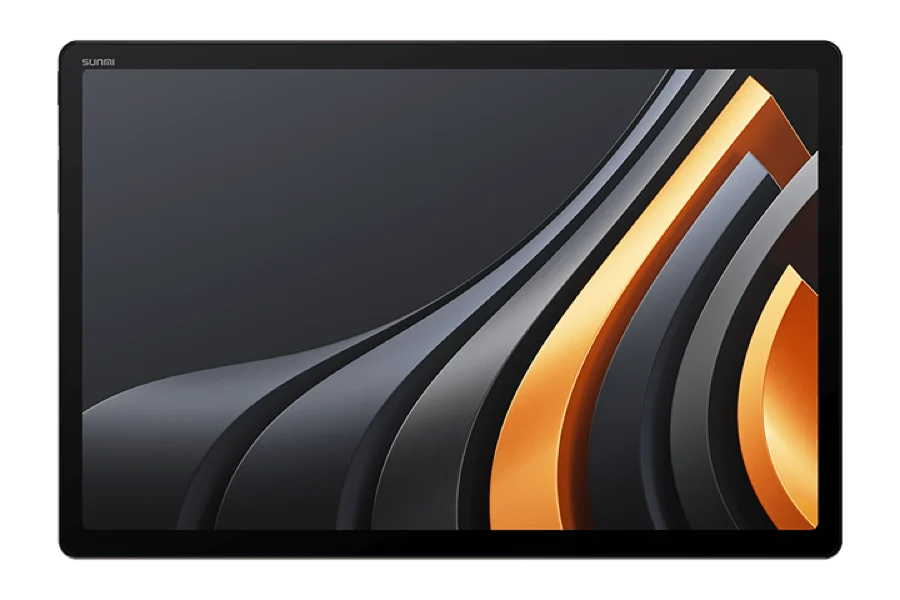
14 inch Android tablet. The screen a busy kitchen line reads from a distance.
Delivery: Made to order · 4-6 weeks
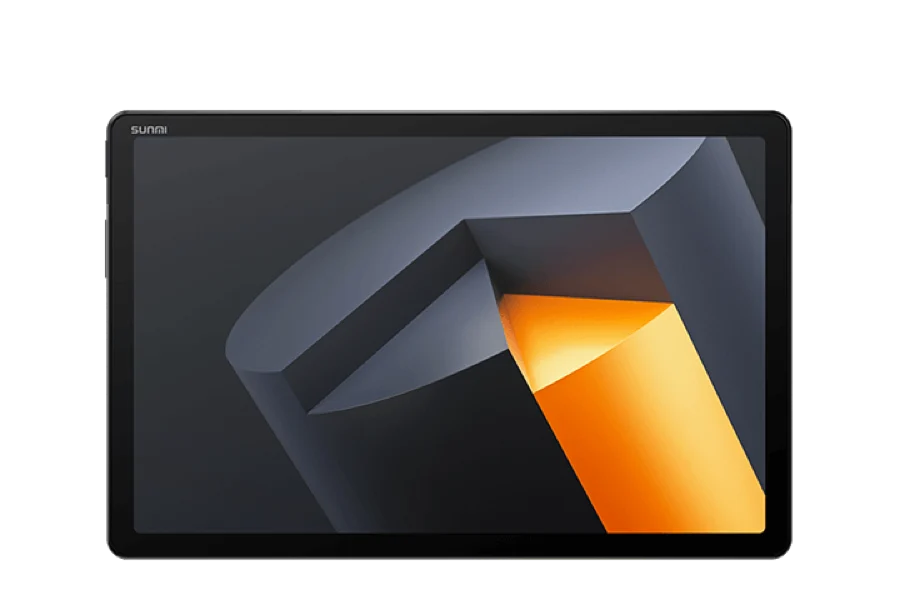 each
11" commercial tablet. Space-saving KDS for compact kitchen/prep station.
Delivery: In stock · 1-3 days
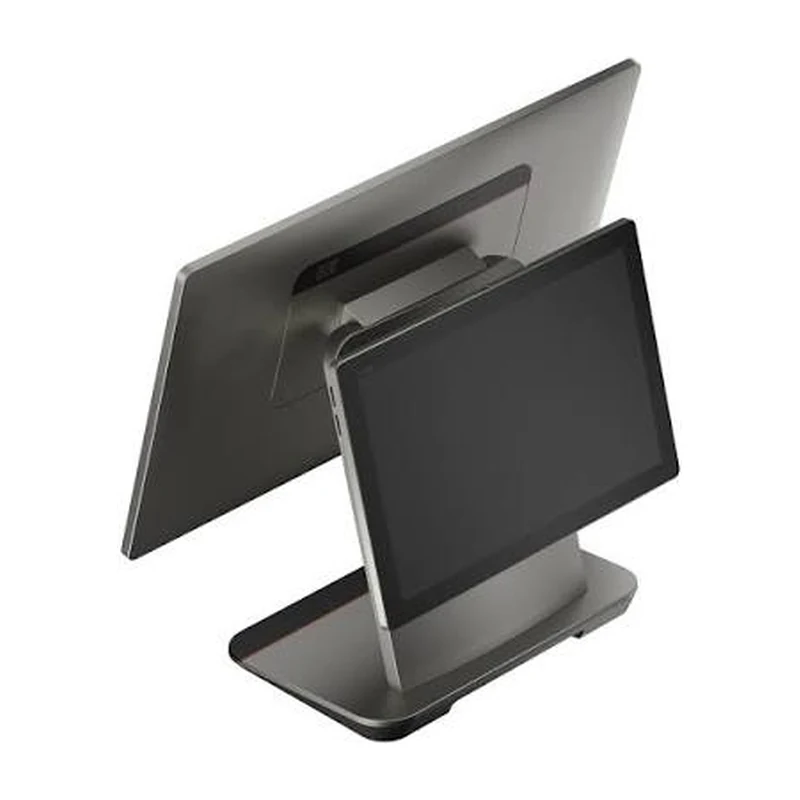 each
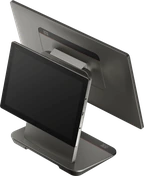
15.6 inch Android 14 POS terminal with a 10.1 inch customer-facing second screen on the back. The customer sees the order and the total on their own screen. No printer; a printer plugs in.
Delivery: Made to order · 1-2 weeks
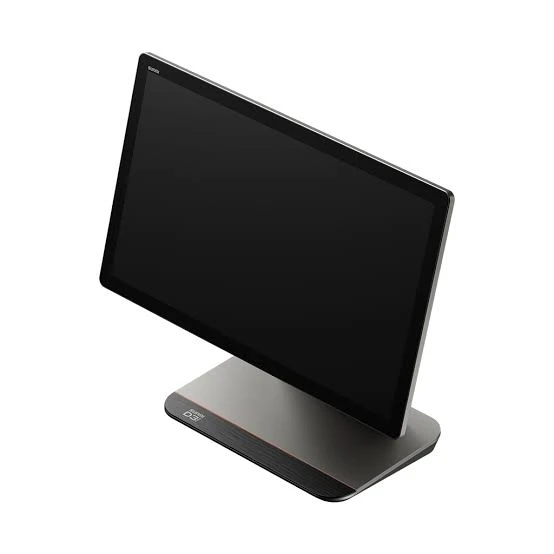 each
15.6 inch Android 14 POS terminal, without a printer. A printer plugs in, or the unit becomes a kitchen screen.
Delivery: Made to order · 1-2 weeks
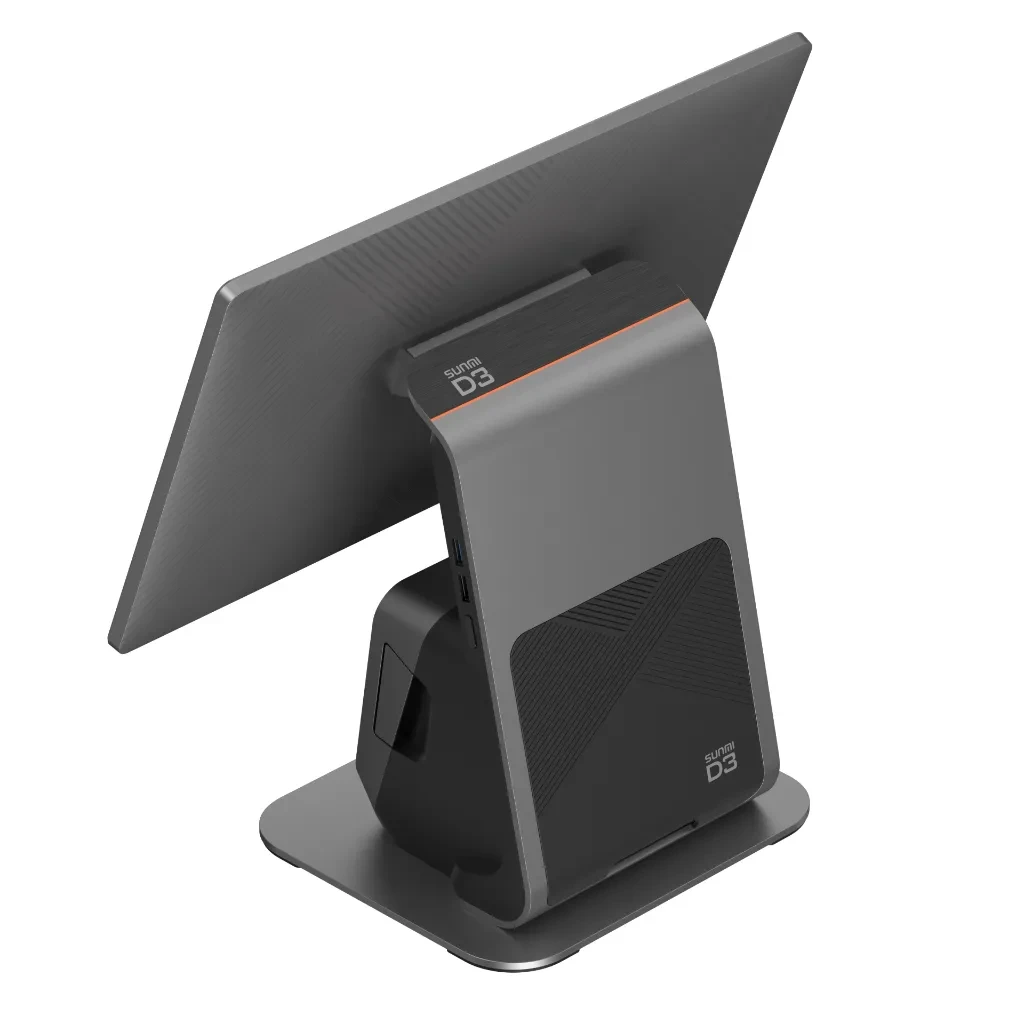 each
15.6 inch Android 14 POS terminal with an 80 mm thermal receipt printer built into the body.
Delivery: 1-3 days
 each
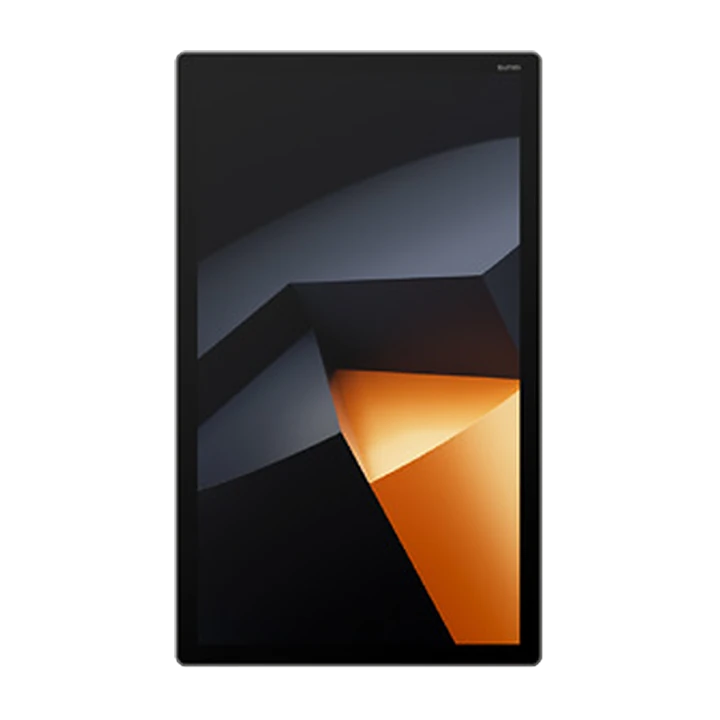
18.5 inch Android 13 touch display. Works as the POS screen at the till or the order screen in the kitchen; mounts on a wall, a counter or a stand. Stand and wall bracket are sold separately (VESA 100x100).
Delivery: Made to order · 1-2 weeks
 each
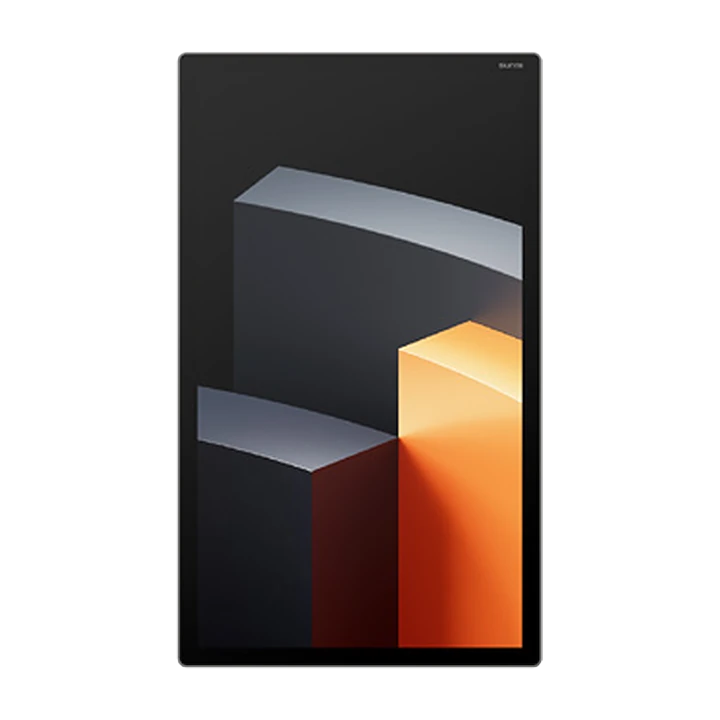
22 inch Android 13 touch display. Works as the POS screen at the till or the order screen in the kitchen; mounts on a wall, a counter or a stand. Stand and wall bracket are sold separately (VESA 100x100).
Delivery: Made to order · 1-2 weeks
 each
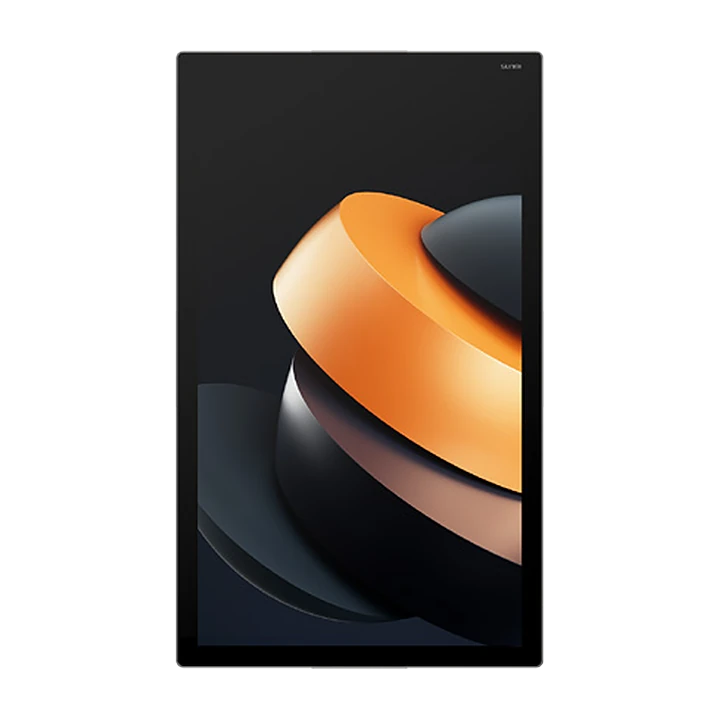
27 inch Android 13 touch display. Readable from across a busy kitchen; mounts on a wall or a stand. Stand and wall bracket are sold separately (VESA 100x100).
Delivery: Made to order · 1-2 weeks
 each
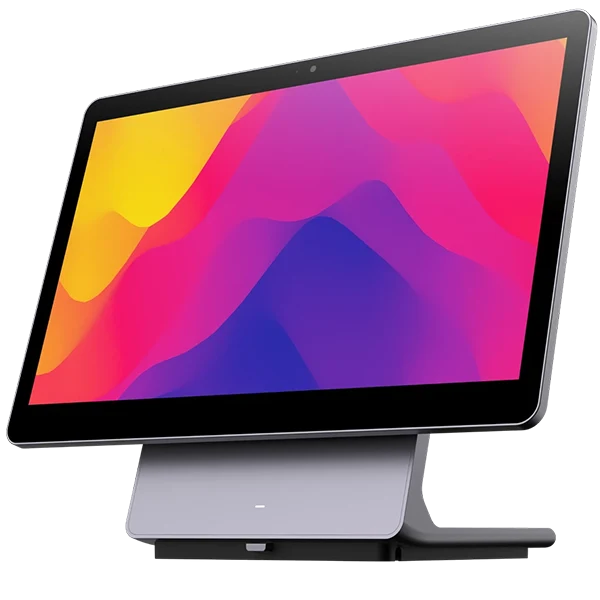
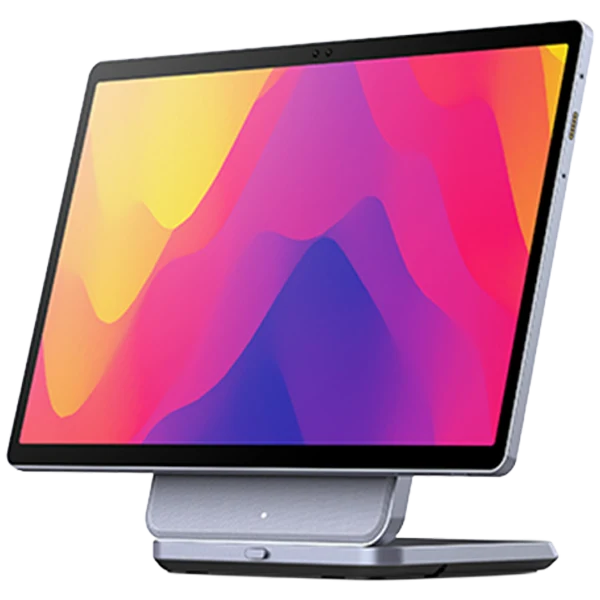
14 inch Android all-in-one till computer. Fingerprint reader in the power button.
Delivery: Made to order · 8-10 weeks
 each
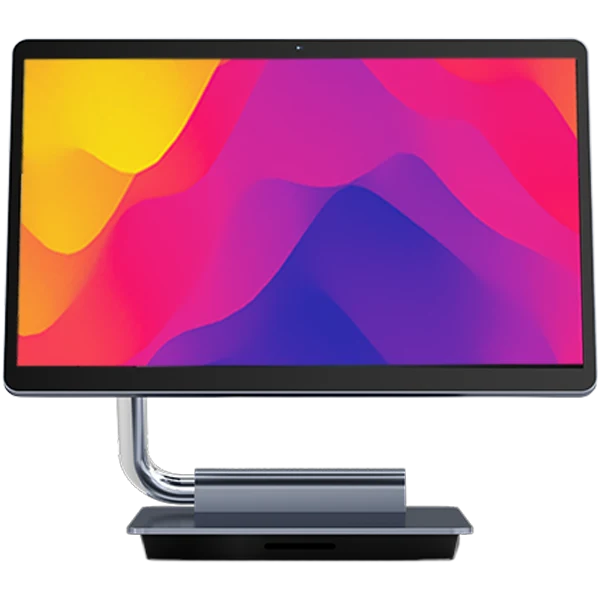
16 inch Android 14 till computer, with an NFC card reader in its second screen.
Delivery: Made to order · 8-10 weeks
 each
15.6 inch Android till computer, with LAN, RS232 and a drawer port on the body.
Delivery: Made to order · 8-10 weeks
 each
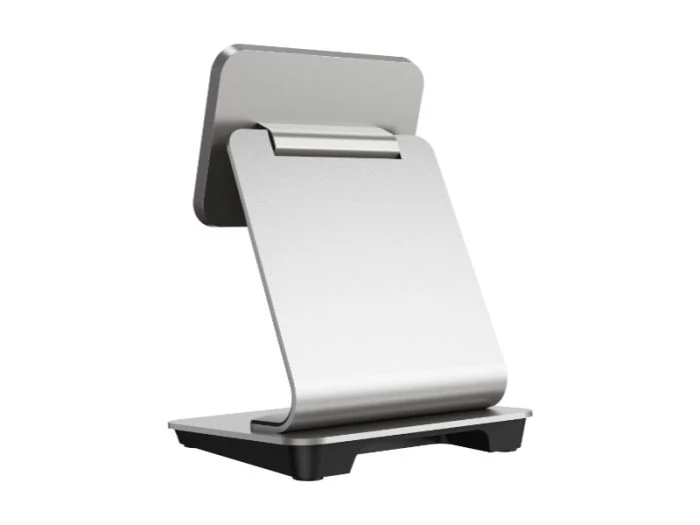
A USB docking stand that sits the CPad on a counter and holds it there as a till.
Delivery: 1-3 days
each14 inch Android tablet. The screen a busy kitchen line reads from a distance.
Delivery: Made to order · 4-6 weeks
each11" commercial tablet. Space-saving KDS for compact kitchen/prep station.
Delivery: In stock · 1-3 days
each15.6 inch Android 14 POS terminal, without a printer. A printer plugs in, or the unit becomes a kitchen screen.
Delivery: Made to order · 1-2 weeks
each15.6 inch Android 14 POS terminal with an 80 mm thermal receipt printer built into the body.
Delivery: 1-3 days
each18.5 inch Android 13 touch display. Works as the POS screen at the till or the order screen in the kitchen; mounts on a wall, a counter or a stand. Stand and wall bracket are sold separately (VESA 100x100).
Delivery: Made to order · 1-2 weeks
each22 inch Android 13 touch display. Works as the POS screen at the till or the order screen in the kitchen; mounts on a wall, a counter or a stand. Stand and wall bracket are sold separately (VESA 100x100).
Delivery: Made to order · 1-2 weeks
each27 inch Android 13 touch display. Readable from across a busy kitchen; mounts on a wall or a stand. Stand and wall bracket are sold separately (VESA 100x100).
Delivery: Made to order · 1-2 weeks
each14 inch Android all-in-one till computer. Fingerprint reader in the power button.
Delivery: Made to order · 8-10 weeks
each16 inch Android 14 till computer, with an NFC card reader in its second screen.
Delivery: Made to order · 8-10 weeks
each15.6 inch Android till computer, with LAN, RS232 and a drawer port on the body.
Delivery: Made to order · 8-10 weeks
 each
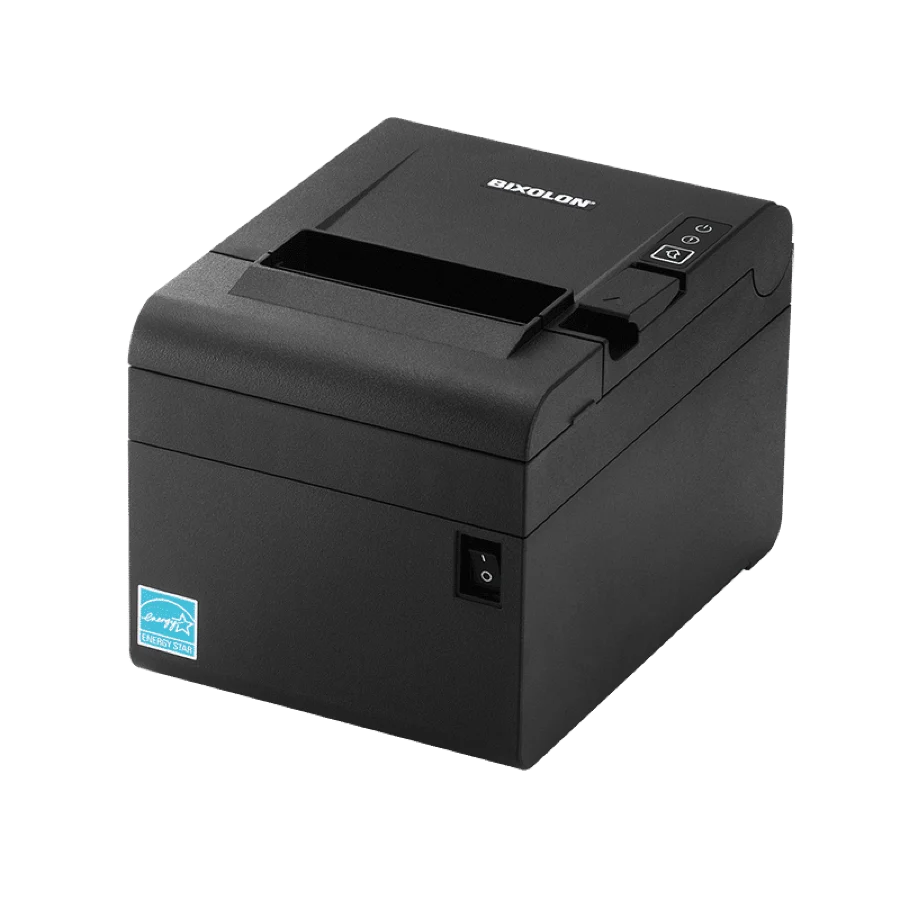
A 3 inch thermal receipt printer with USB, serial and Ethernet in one device. Stands on a counter or hangs on a wall.
Delivery: 1-3 days
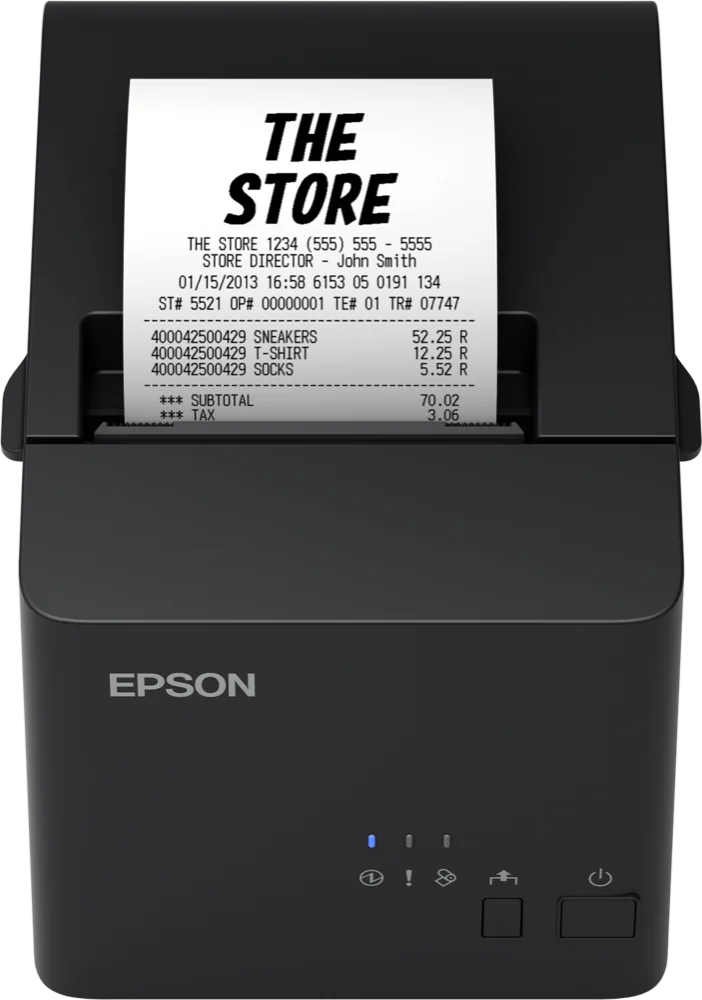 each
Entry thermal receipt printer. The Ethernet version, on the network.
Delivery: 1-3 days
eachEntry thermal receipt printer. The USB version, cabled to the till.
Delivery: 1-3 days
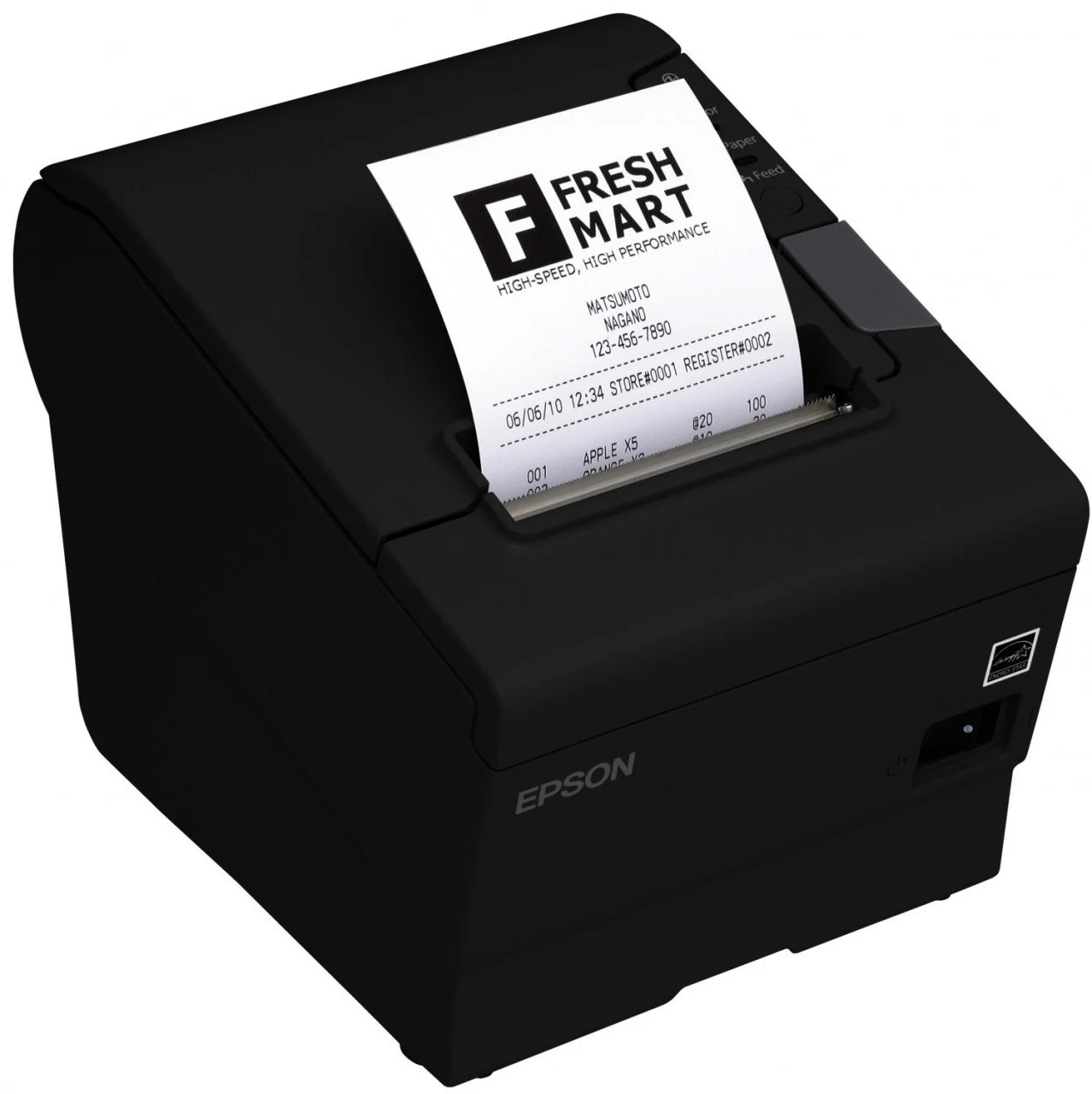 each
Flagship thermal receipt printer. Fast, durable, built for busy venues.
Delivery: 1-3 days
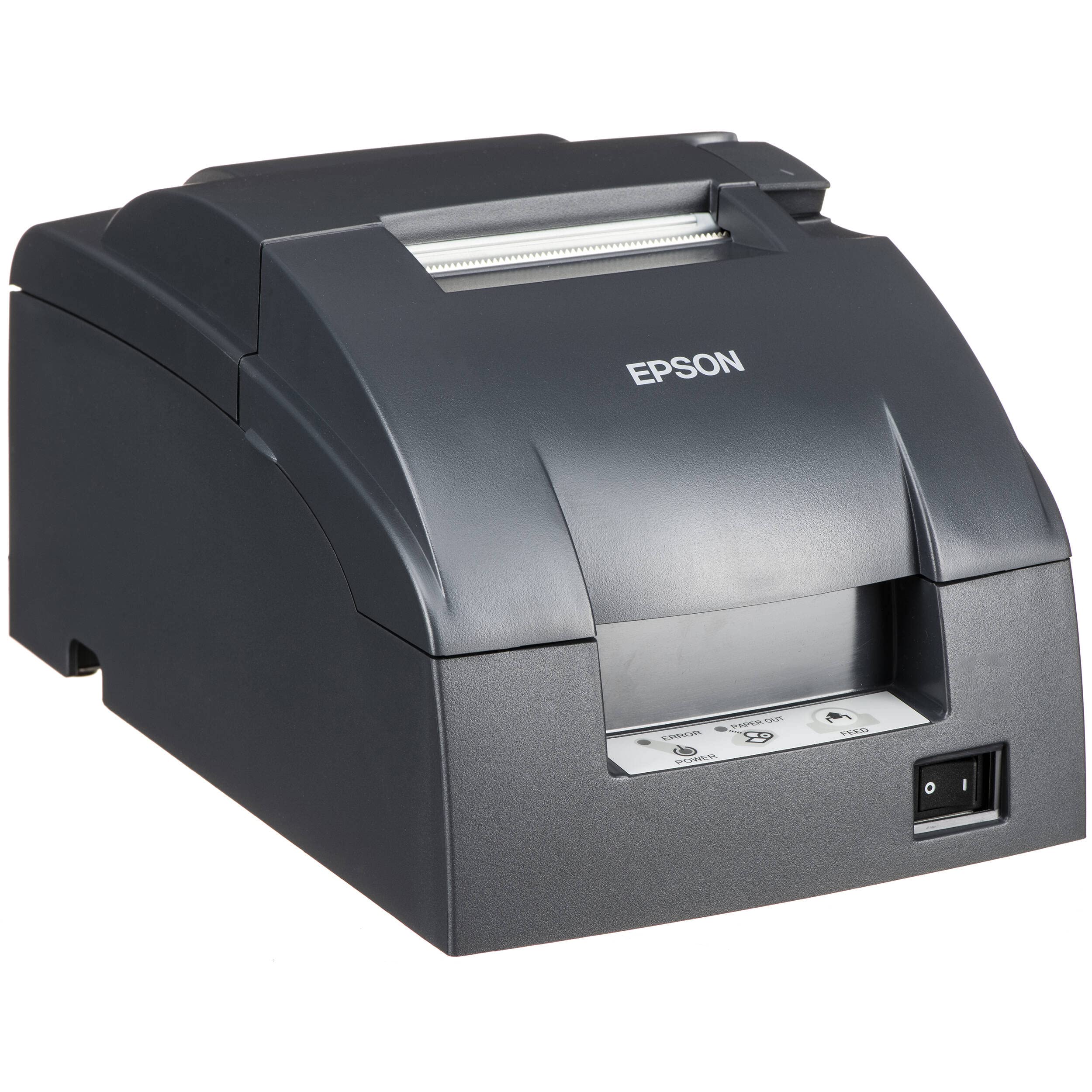 each
Impact kitchen printer. Stays readable in heat/steam/grease, 2-color (red modifier).
Delivery: 1-3 days
each11" commercial tablet. Space-saving KDS for compact kitchen/prep station.
Delivery: In stock · 1-3 days
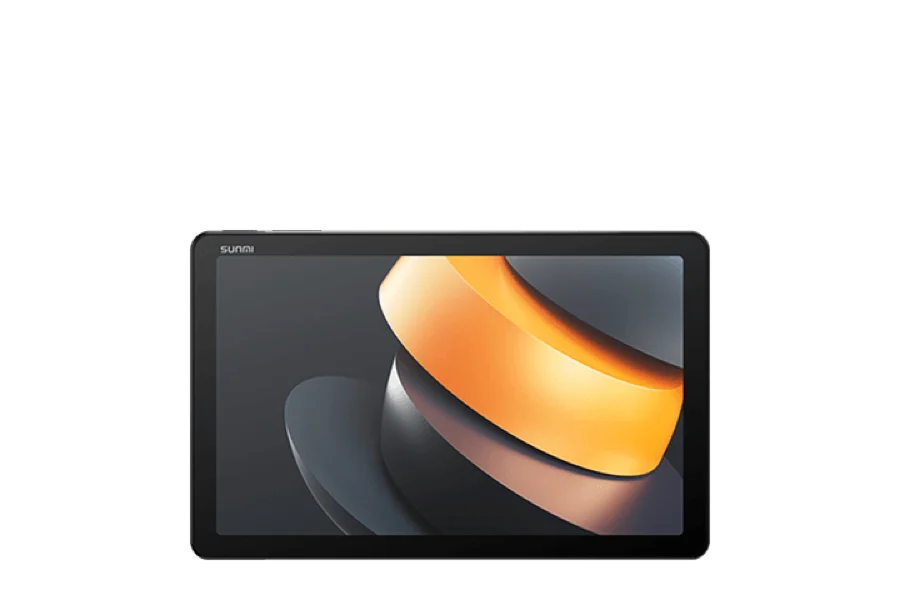 each
8.7 inch Android tablet. Carried in the hand through a shift.
Delivery: In stock · 1-3 days
 each
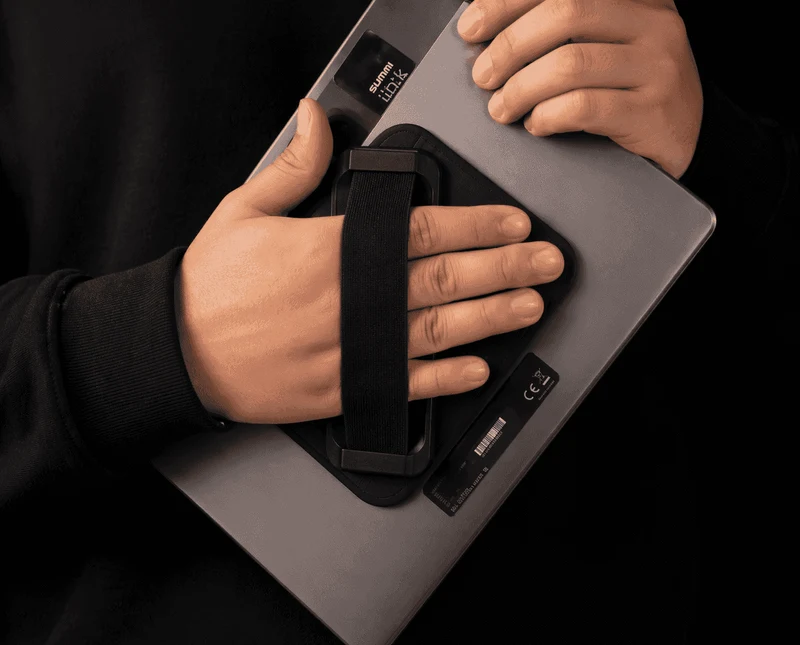
A hand strap on the back of the CPad, so the tablet is carried one-handed through a shift.
Delivery: 1-3 days
 each
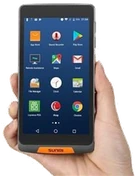
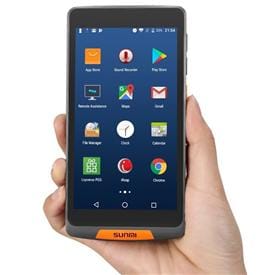
Industrial 5" handheld. Drop-resistant, hospitality-ready.
Delivery: 1-3 days
 each
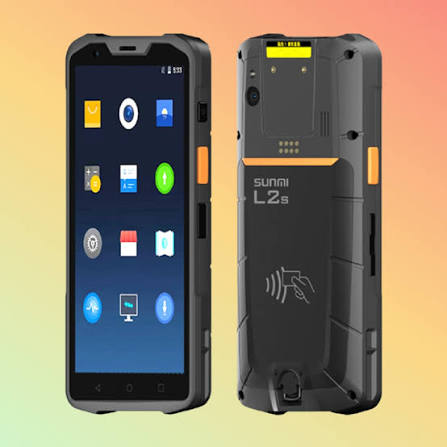
Toughest handheld. IP68, removable 5000mAh (double shift).
Delivery: 1-3 days
 each
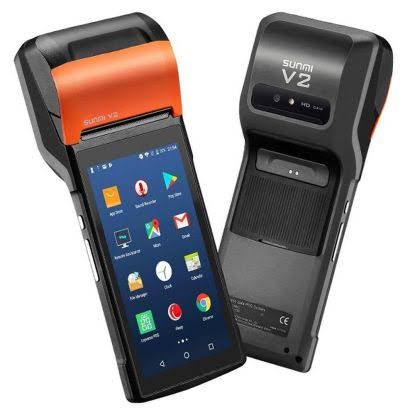
Handheld with built-in 58mm printer. Prints receipt/pre-check in hand.
Delivery: 1-3 days
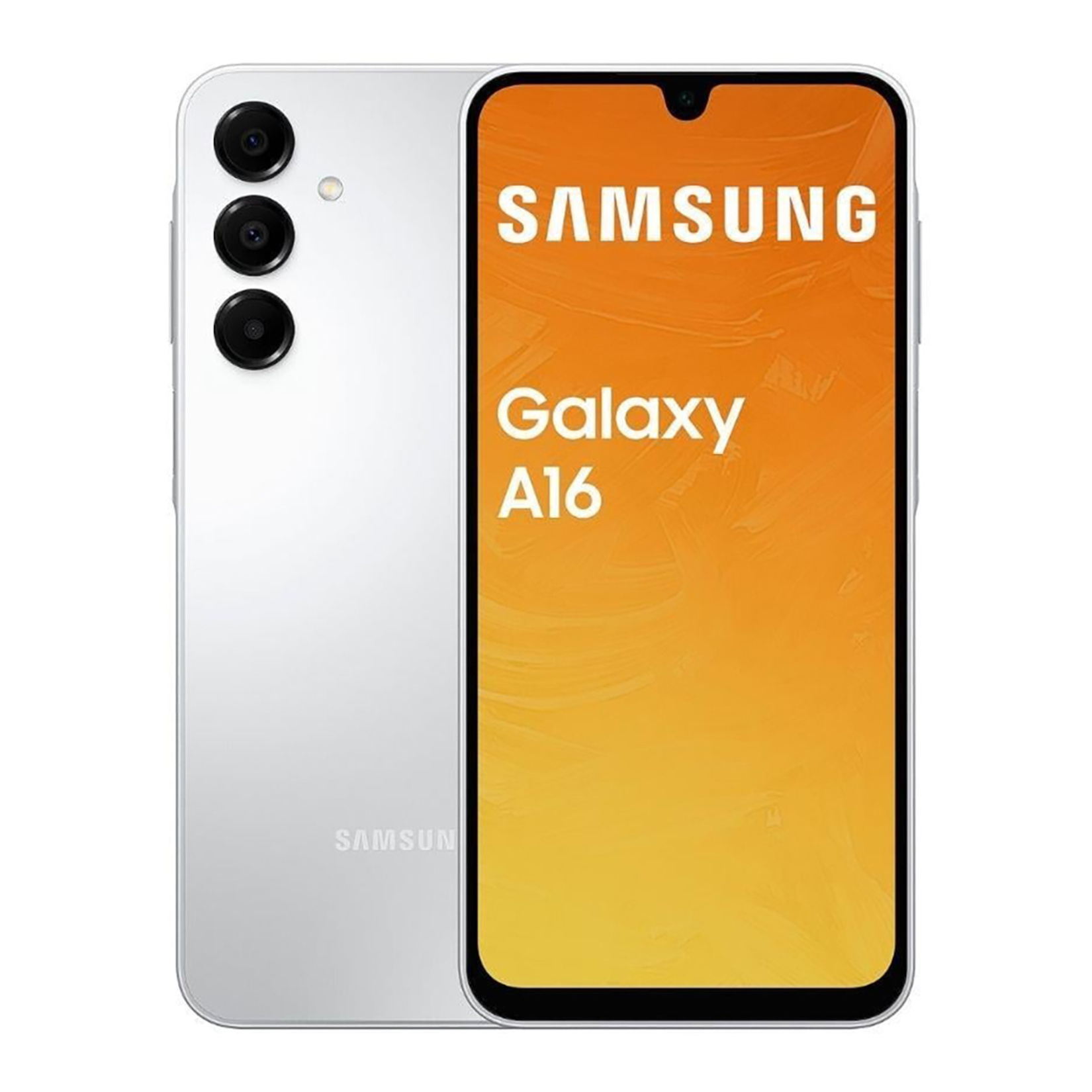 each
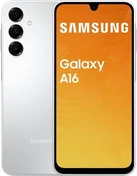
Ordinary Android phone. Cheapest, light, AMOLED. ~1/3 the cost of a handheld.
Delivery: 1-3 days
eachAndroid mobile fiscal POS with built-in thermal. The dojofood app runs natively on the device.
Delivery: 1-3 days
eachBeefed-up N86. Faster, more memory; the dojofood app runs on the device.
Delivery: 1-3 days
eachPavo's new flagship mobile fiscal POS. Large screen, strong hardware; the dojofood app runs on the device.
Delivery: 1-3 days
eachKeypad fiscal POS with a touch screen and built-in thermal. Connecting it to a restaurant system needs Beko's yearly integration licence.
Delivery: Made to order · 1-2 weeks
eachAndroid fiscal POS with a 5 inch touch screen and built-in thermal. Connects to a restaurant system wired or wireless; needs Beko's yearly integration licence.
Delivery: Made to order · 1-2 weeks
eachKeypad fiscal POS with built-in thermal. Connecting it to a restaurant system needs Hugin's yearly integration licence.
Delivery: Made to order · 1-2 weeks
eachAndroid fiscal POS with a touch screen and built-in thermal. Connecting it to a restaurant system needs Hugin's yearly integration licence.
Delivery: Made to order · 1-2 weeks
eachMobile fiscal POS. Rugged, built-in thermal, payment tableside and on the move.
Delivery: 1-3 days
eachAndroid smart fiscal POS. Carried tableside; turns into a desktop till with the optional base.
Delivery: 1-3 days
eachDesktop charging cradle for the Pavo N86. The device sits in it.
Delivery: 1-3 days
per deviceMobile data for Pavo devices. It can be a Turkcell or a Türk Telekom SIM. Invoiced directly to the business by Pavo.
Delivery: 1-3 days
each14 inch Android tablet. The screen a busy kitchen line reads from a distance.
Delivery: Made to order · 4-6 weeks
each11" commercial tablet. Space-saving KDS for compact kitchen/prep station.
Delivery: In stock · 1-3 days
each15.6 inch Android 14 POS terminal with a 10.1 inch customer-facing second screen on the back. The customer sees the order and the total on their own screen. No printer; a printer plugs in.
Delivery: Made to order · 1-2 weeks
each15.6 inch Android 14 POS terminal, without a printer. A printer plugs in, or the unit becomes a kitchen screen.
Delivery: Made to order · 1-2 weeks
each15.6 inch Android 14 POS terminal with an 80 mm thermal receipt printer built into the body.
Delivery: 1-3 days
each18.5 inch Android 13 touch display. Works as the POS screen at the till or the order screen in the kitchen; mounts on a wall, a counter or a stand. Stand and wall bracket are sold separately (VESA 100x100).
Delivery: Made to order · 1-2 weeks
each22 inch Android 13 touch display. Works as the POS screen at the till or the order screen in the kitchen; mounts on a wall, a counter or a stand. Stand and wall bracket are sold separately (VESA 100x100).
Delivery: Made to order · 1-2 weeks
each27 inch Android 13 touch display. Readable from across a busy kitchen; mounts on a wall or a stand. Stand and wall bracket are sold separately (VESA 100x100).
Delivery: Made to order · 1-2 weeks
each14 inch Android all-in-one till computer. Fingerprint reader in the power button.
Delivery: Made to order · 8-10 weeks
each16 inch Android 14 till computer, with an NFC card reader in its second screen.
Delivery: Made to order · 8-10 weeks
each15.6 inch Android till computer, with LAN, RS232 and a drawer port on the body.
Delivery: Made to order · 8-10 weeks
eachA USB docking stand that sits the CPad on a counter and holds it there as a till.
Delivery: 1-3 days
each14 inch Android tablet. The screen a busy kitchen line reads from a distance.
Delivery: Made to order · 4-6 weeks
each11" commercial tablet. Space-saving KDS for compact kitchen/prep station.
Delivery: In stock · 1-3 days
each15.6 inch Android 14 POS terminal, without a printer. A printer plugs in, or the unit becomes a kitchen screen.
Delivery: Made to order · 1-2 weeks
each15.6 inch Android 14 POS terminal with an 80 mm thermal receipt printer built into the body.
Delivery: 1-3 days
each18.5 inch Android 13 touch display. Works as the POS screen at the till or the order screen in the kitchen; mounts on a wall, a counter or a stand. Stand and wall bracket are sold separately (VESA 100x100).
Delivery: Made to order · 1-2 weeks
each22 inch Android 13 touch display. Works as the POS screen at the till or the order screen in the kitchen; mounts on a wall, a counter or a stand. Stand and wall bracket are sold separately (VESA 100x100).
Delivery: Made to order · 1-2 weeks
each27 inch Android 13 touch display. Readable from across a busy kitchen; mounts on a wall or a stand. Stand and wall bracket are sold separately (VESA 100x100).
Delivery: Made to order · 1-2 weeks
each14 inch Android all-in-one till computer. Fingerprint reader in the power button.
Delivery: Made to order · 8-10 weeks
each16 inch Android 14 till computer, with an NFC card reader in its second screen.
Delivery: Made to order · 8-10 weeks
each15.6 inch Android till computer, with LAN, RS232 and a drawer port on the body.
Delivery: Made to order · 8-10 weeks
eachA 3 inch thermal receipt printer with USB, serial and Ethernet in one device. Stands on a counter or hangs on a wall.
Delivery: 1-3 days
eachEntry thermal receipt printer. The Ethernet version, on the network.
Delivery: 1-3 days
eachEntry thermal receipt printer. The USB version, cabled to the till.
Delivery: 1-3 days
eachFlagship thermal receipt printer. Fast, durable, built for busy venues.
Delivery: 1-3 days
eachImpact kitchen printer. Stays readable in heat/steam/grease, 2-color (red modifier).
Delivery: 1-3 days
each11" commercial tablet. Space-saving KDS for compact kitchen/prep station.
Delivery: In stock · 1-3 days
each8.7 inch Android tablet. Carried in the hand through a shift.
Delivery: In stock · 1-3 days
eachA hand strap on the back of the CPad, so the tablet is carried one-handed through a shift.
Delivery: 1-3 days
eachIndustrial 5" handheld. Drop-resistant, hospitality-ready.
Delivery: 1-3 days
eachToughest handheld. IP68, removable 5000mAh (double shift).
Delivery: 1-3 days
eachHandheld with built-in 58mm printer. Prints receipt/pre-check in hand.
Delivery: 1-3 days
eachOrdinary Android phone. Cheapest, light, AMOLED. ~1/3 the cost of a handheld.
Delivery: 1-3 days
To use dojofood, any device with an internet connection that can run a web browser is enough: the computer at the till, a tablet or a smartphone. Apart from the main device where orders are entered, no hardware is mandatory. Extra devices that suit your needs can be added to the system later.
Fiscal POSRequired for card payments
By law, card payments go through a sealed fiscal device (ÖKC). dojofood sends the amount collected straight to the fiscal POS it is integrated with. The cashier never types the amount in by hand, and card data is never stored in the app.
Much restaurant software is sold as a closed package together with hardware and payment, which ties you to a single brand. dojofood is entirely cloud based; it imposes no installation disk and no mandatory hardware bundle.
When software and hardware are sold as one inseparable package, the whole of your infrastructure investment is wasted the day you change systems. Some suppliers insist on their own POS screens and lock the devices at operating system level, which ties you to a single brand.
dojofood runs on any computer, tablet or standard commercial POS screen with an internet connection. No locked, proprietary hardware is imposed on you and no software lock-in is created. Whether you buy the devices from us or use your own, the system runs just as well.
Devices bought through different channels, no clarity about who connects them to the network or who maps the printers: installation gets complicated and drags on.
We run the whole installation with you. Depending on what is needed we bring your devices into the system remotely or on site. Menu import, printer rules and kitchen mapping are completed in full, and the system is handed over ready to use.
Operational devices sharing the public Wi-Fi that guests also use slow down at peak hours, and orders are delayed on their way through.
For critical devices such as the till, the kitchen displays and the handhelds, we recommend a fully isolated network of their own. That keeps the data secure and keeps performance steady even at peak hours.
Entering the order on the POS screen and then the amount on the fiscal device by hand doubles the work; at peak hours it invites wrong figures and a till that does not balance at the end of the day.
Our integration sends the amount collected or refunded straight to the fiscal POS device. Staff never key the amount in by hand, so the errors disappear and service gets faster.
Items prepared at different stations (the bar, the grill, the hot kitchen) come out of one printer and get mixed up, or tickets go missing while staff carry them by hand.
Printer rules are defined once, per kitchen, per product category or per individual product. Every order that comes in goes straight to the right preparation station, automatically.
You can run dojofood on almost any device with an internet connection that runs a current web browser (Google Chrome, Safari and the like).
Before you invest in new devices, we can assess the hardware you already have. If you are not sure whether a device is compatible, send us its model or a photograph.
A busy three-floor restaurant and a boutique coffee shop serving fast do not need the same hardware. We have put together the configurations that suit your business model, and only what you genuinely need for your concept.
Walk us through your current stack, your marketplace list, your volume. We'll show you exactly how dojofood fits, what it replaces, how to get started, and what it costs.